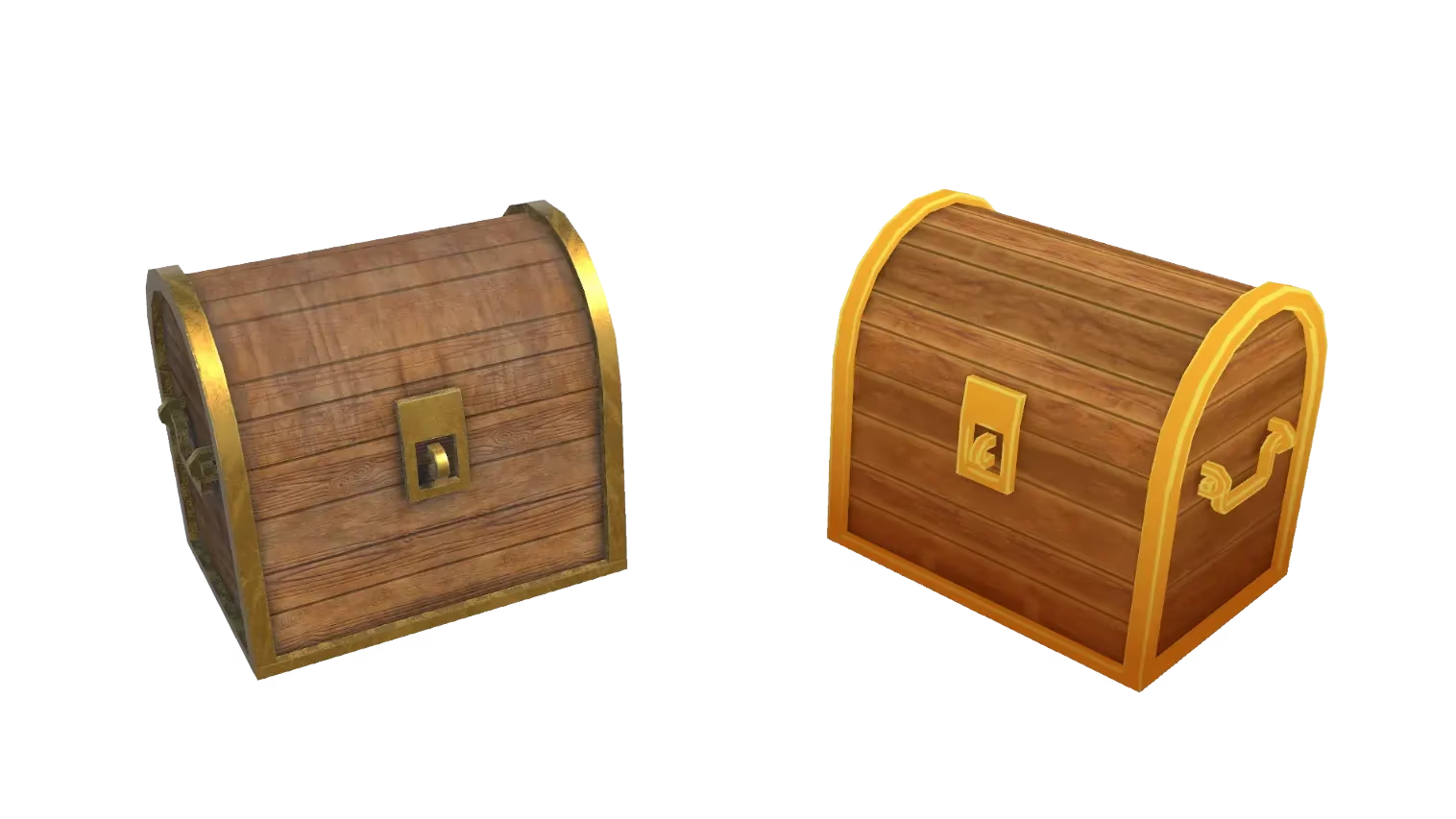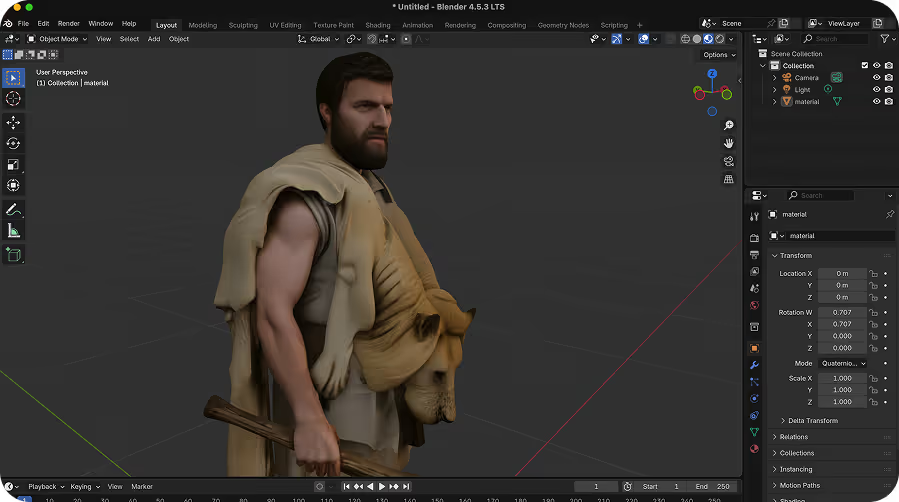
Game Engine Ready
Export clean GLB, FBX, or OBJ files that import directly into Unity, Unreal Engine, Godot, Roblox Studio, and more — with textures included.
Generate game-ready, textured 3D models from text prompts in seconds. Sloyd's text to 3D AI creates export-ready assets in GLB, FBX, OBJ, and STL — no 3D software or modeling skills needed.
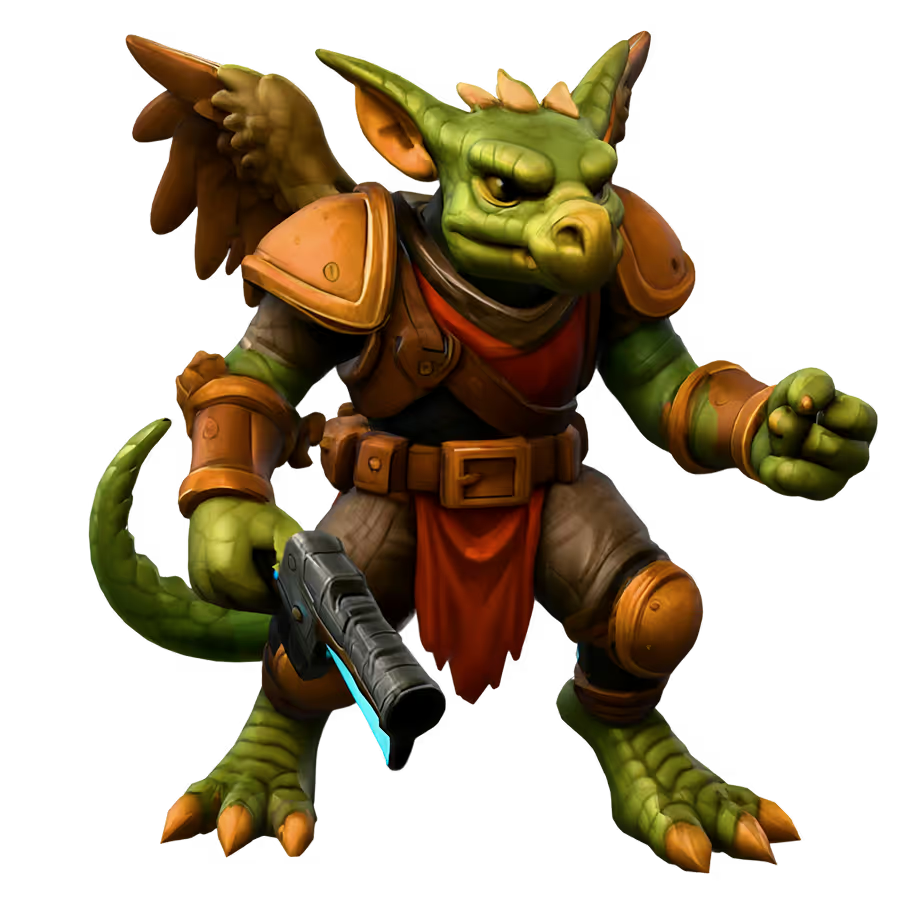
Type a description and Sloyd's AI generates a fully textured, export-ready 3D model in seconds. No reference image needed — just your words.
Download your generated 3D model in the format your pipeline needs. All exports include textures and are ready to drop into Unity, Unreal, Blender, or your 3D printer.
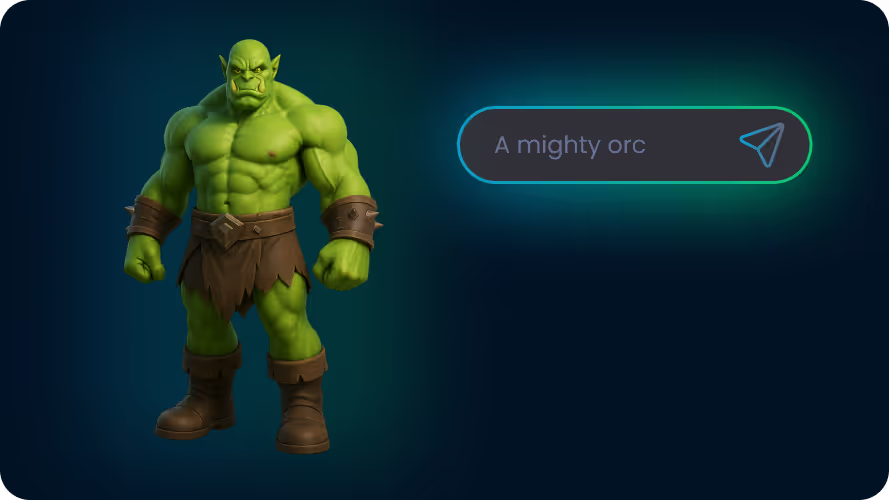
Sloyd's AI generates 3D assets in seconds by converting text prompts into fully textured 3D models. Describe what you want and the AI handles geometry, UV mapping, and texturing automatically. Move from idea to optimized asset in minutes.
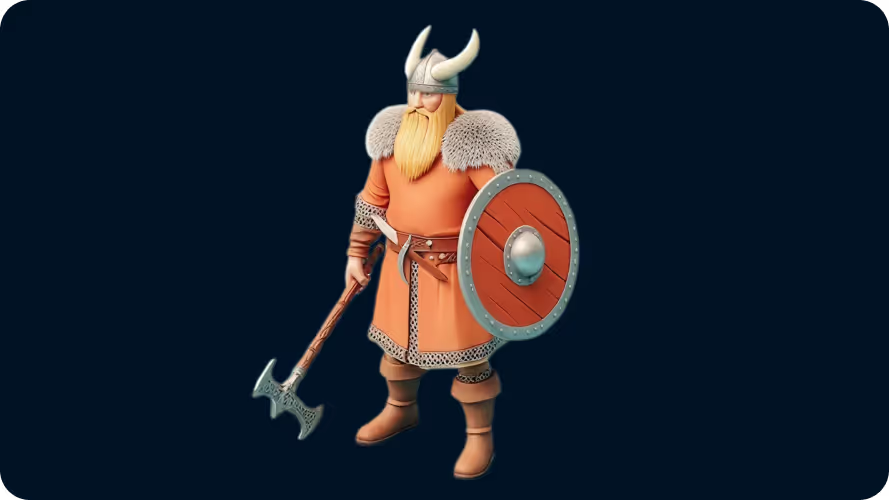
Every model is generated with clean topology optimized for real-time engines. Choose from low-poly, stylized, or realistic outputs to match your project — and upload a reference image alongside your prompt to guide the AI.
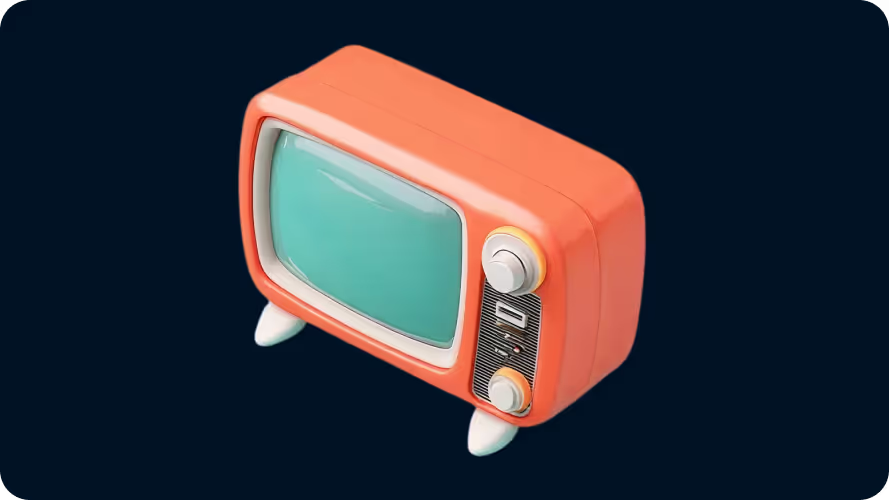
Game developers, indie studios, 3D printers, e-commerce teams, VFX and animation studios, and architects — anyone who needs 3D content fast without the manual modeling overhead.
Open Sloyd's Text-to-3D tool and describe what you want to create. Be as specific or as broad as you like — the AI works with both. Optionally choose a style preset or upload a reference image.
Hit Generate and Sloyd's AI creates a textured 3D model in seconds. The model includes geometry, UV maps, and textures — no manual work required.
Download your model as a GLB, FBX, OBJ, or STL file. Import directly into Unity, Unreal Engine, Blender, or your slicer for 3D printing.
Export clean GLB, FBX, or OBJ files that import directly into Unity, Unreal Engine, Godot, Roblox Studio, and more — with textures included.
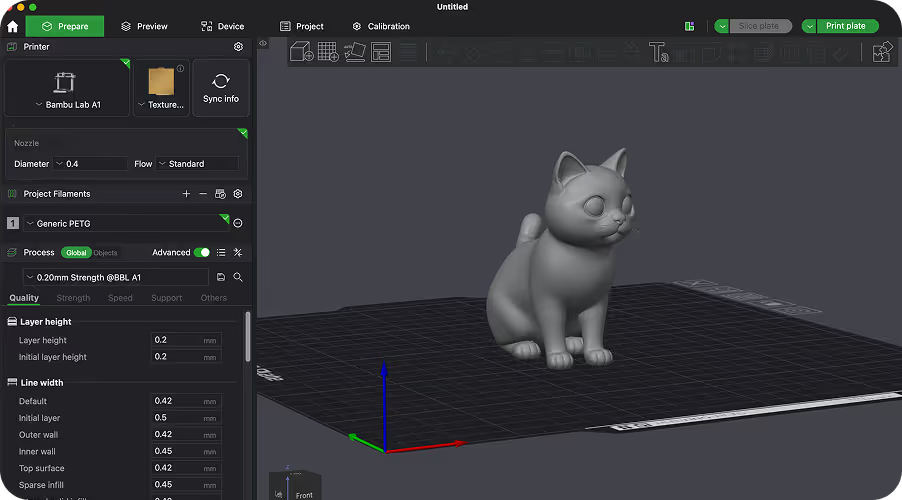
Download STL or OBJ files optimized for FDM and resin printers. Go from text prompt to physical object without any manual mesh cleanup.
Text-to-3D AI converts a written prompt into a 3D model automatically. You describe what you want — like "a medieval knight helmet" or "a low-poly pine tree" — and the AI generates geometry, UV maps, and textures for you. Sloyd produces export-ready assets in seconds, free to start.
Yes. Sloyd is free to start — no credit card required. Paid plans unlock unlimited generations, priority processing, and commercial licensing for production use.
Yes. Sloyd uses generative AI for text-to-3D and image-to-3D creation, and combines AI with parametric templates where that gives creators more control, cleaner topology, and faster iteration.
Sloyd exports GLB, FBX, OBJ, USD, STL, and many other formats. GLB and FBX are ideal for game engines. OBJ works well in Blender and most 3D tools. STL is the standard format for 3D printing.
No. Sloyd runs entirely in your browser — no downloads, no plugins, no setup. Open the tool, type your prompt, and start generating 3D models immediately.
Text-to-3D is best when you want to explore ideas quickly from a description. Image-to-3D is best when you already have a visual reference. Templates give you the most control — start from a handcrafted parametric base and customize shape, style, and details.
Props, characters, creatures, weapons, furniture, buildings, vehicles, and other objects. Sloyd works best for individual objects rather than full scenes. Common use cases include game assets, 3D printing, product mockups, and concept visualization.
Yes. If you already have a sketch, concept render, or reference image, use Sloyd’s Image-to-3D tools to generate a textured model from the image instead of starting from a text prompt.
Inside the Template Editor, Sloyd uses AI to assemble models from a library of parametric parts created by professional artists. Your text prompt helps steer the generator toward the right template and variation while keeping the result editable and clean.
Yes. Use a render or screenshot of your model as the start frame in the AI video generator and describe how it should move. The clip is generated with sound.