Genera 3D con IA y envía directamente a tu motor de videojuegos
Envía archivos .fbx, .glb o .obj limpios directamente a Unity, Unreal, Godot, Roblox Studio y más.
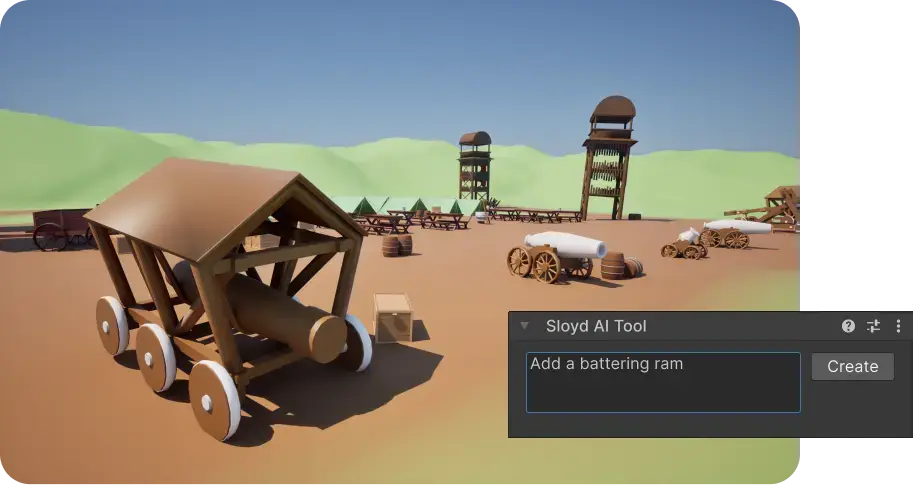
Genera activos 3D de alta fidelidad y listos para videojuegos directamente dentro de herramientas 3D o motores de videojuegos como Blender, Unity y Unreal. Omite el proceso de importación y añade modelos 3D generados por IA directamente a tu herramienta preferida.
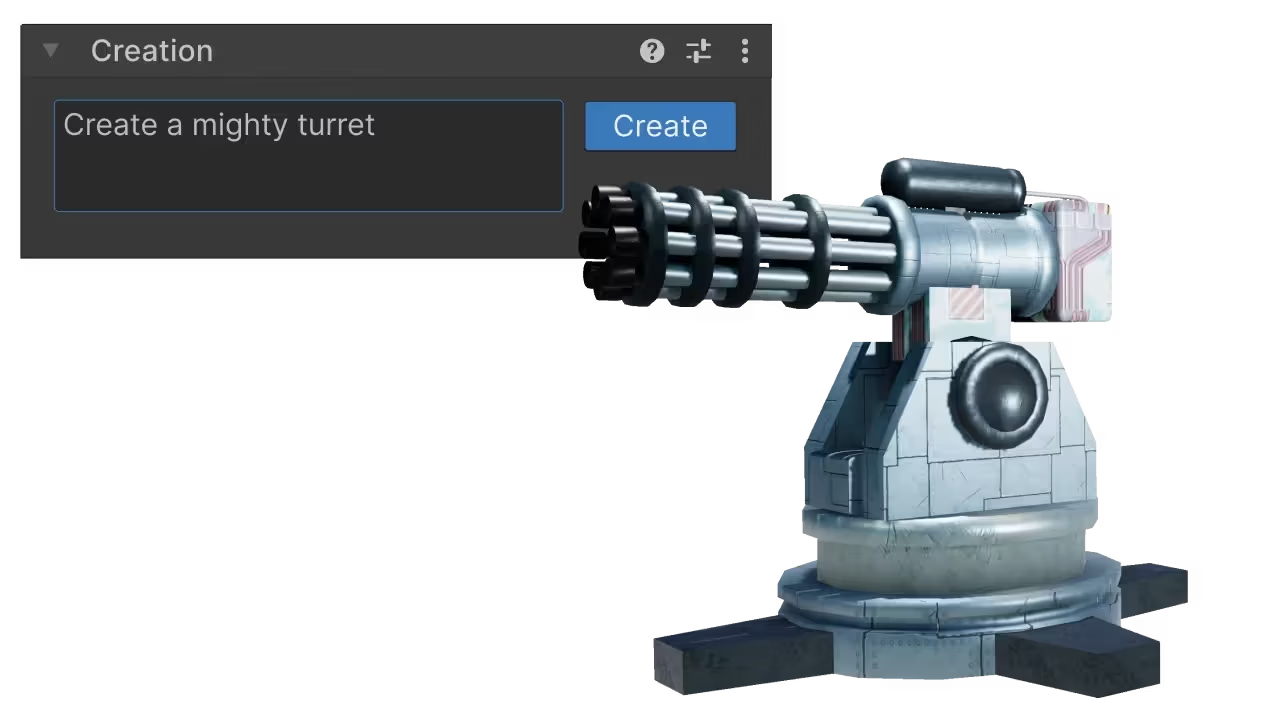
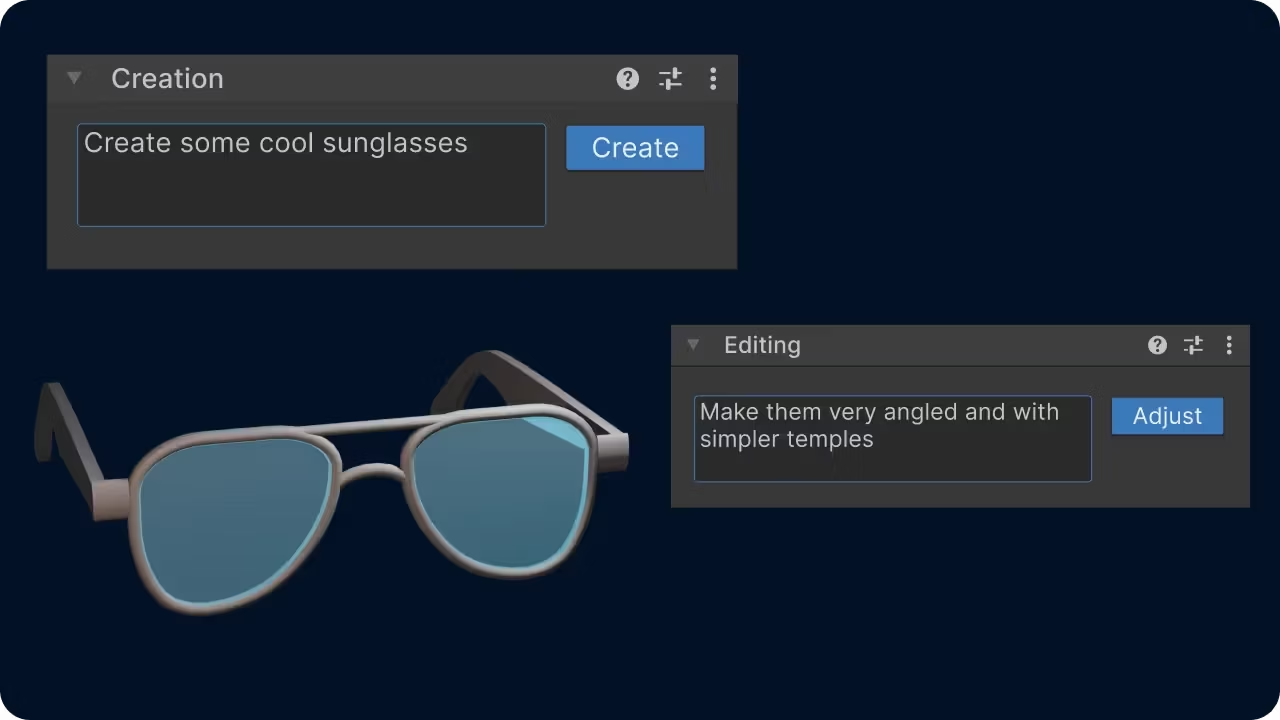
Los plugins nativos de Sloyd para Unity, Blender, Unreal y más eliminan el cuello de botella de exportación-importación. Transforma prompts simples en mallas de calidad de producción sin cambiar de pestaña.
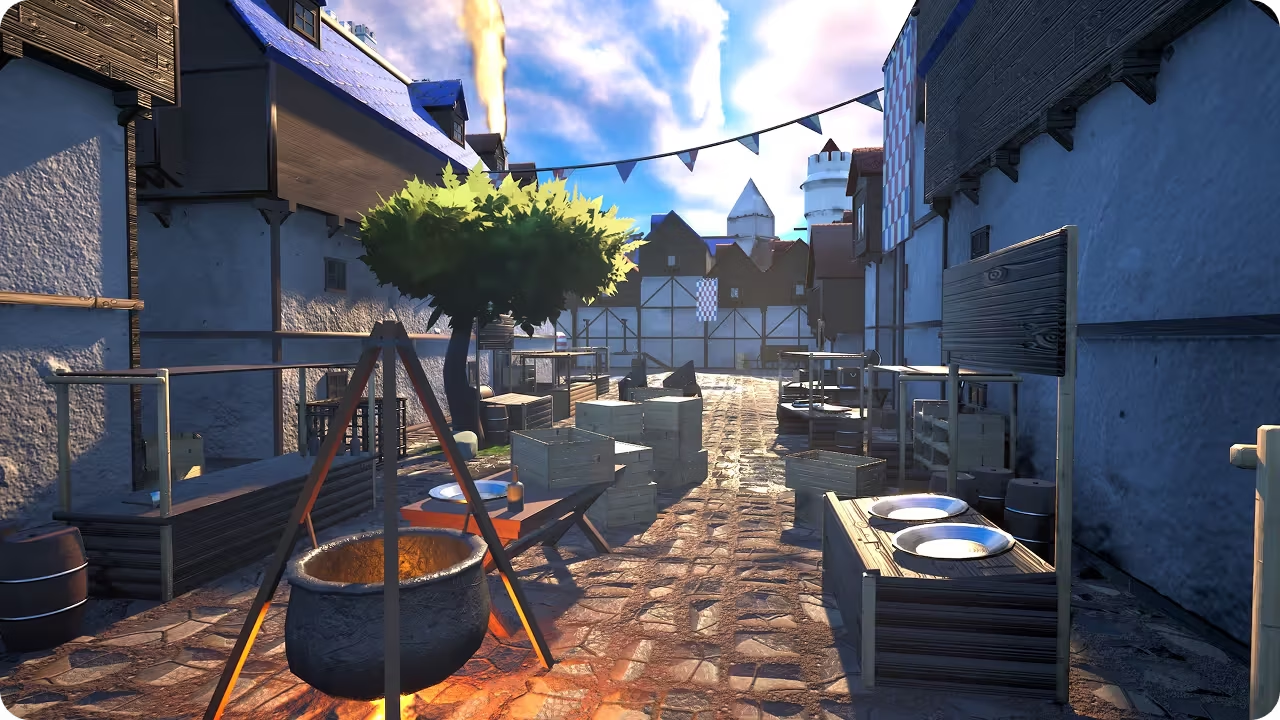
Deja de gestionar carpetas y de luchar con la configuración de importación. Los plugins de Sloyd generan activos en nuestra aplicación web y los inyectan en tu escena activa de Unity, Blender, Unreal o tu herramienta favorita con solo pulsar un botón.
Descarga el plugin nativo de Sloyd para tu herramienta preferida (compatible con Unity, Unreal, Godot, Maya, Blender).
Crea todos los modelos 3D que quieras en la aplicación web de Sloyd.
Haz clic en Exportar y pulsa el botón Enviar. Tu activo aparece instantáneamente en tu escena, no se requieren descargas.
Envía archivos .fbx, .glb o .obj limpios directamente a Unity, Unreal, Godot, Roblox Studio y más.
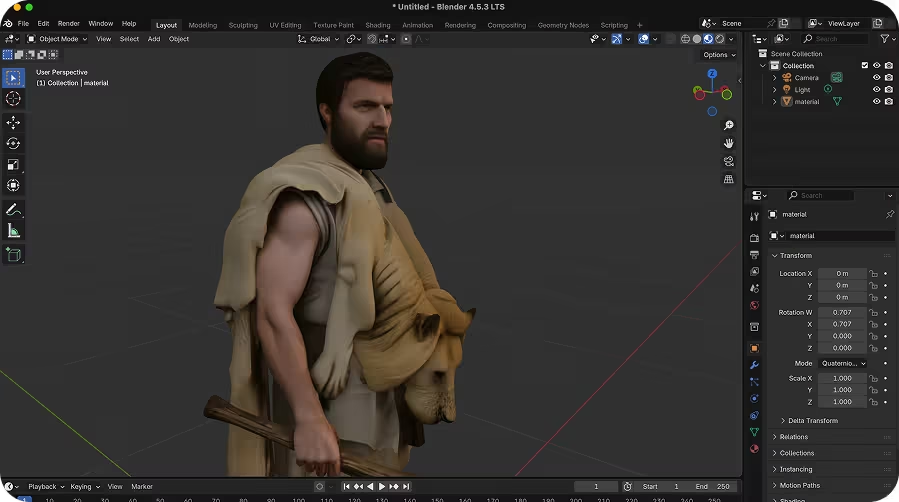
Exporta con quads, y envía archivos .fbx, .glb o .obj limpios directamente a Maya, Blender, 3DS Max o Cinema4D, y personaliza los modelos 3D exactamente como quieras en tu flujo de trabajo existente.
Install Sloyd bridges for the 3D tools and engines you already use.
Be one of the first with access to our run-time 3D generation technology.