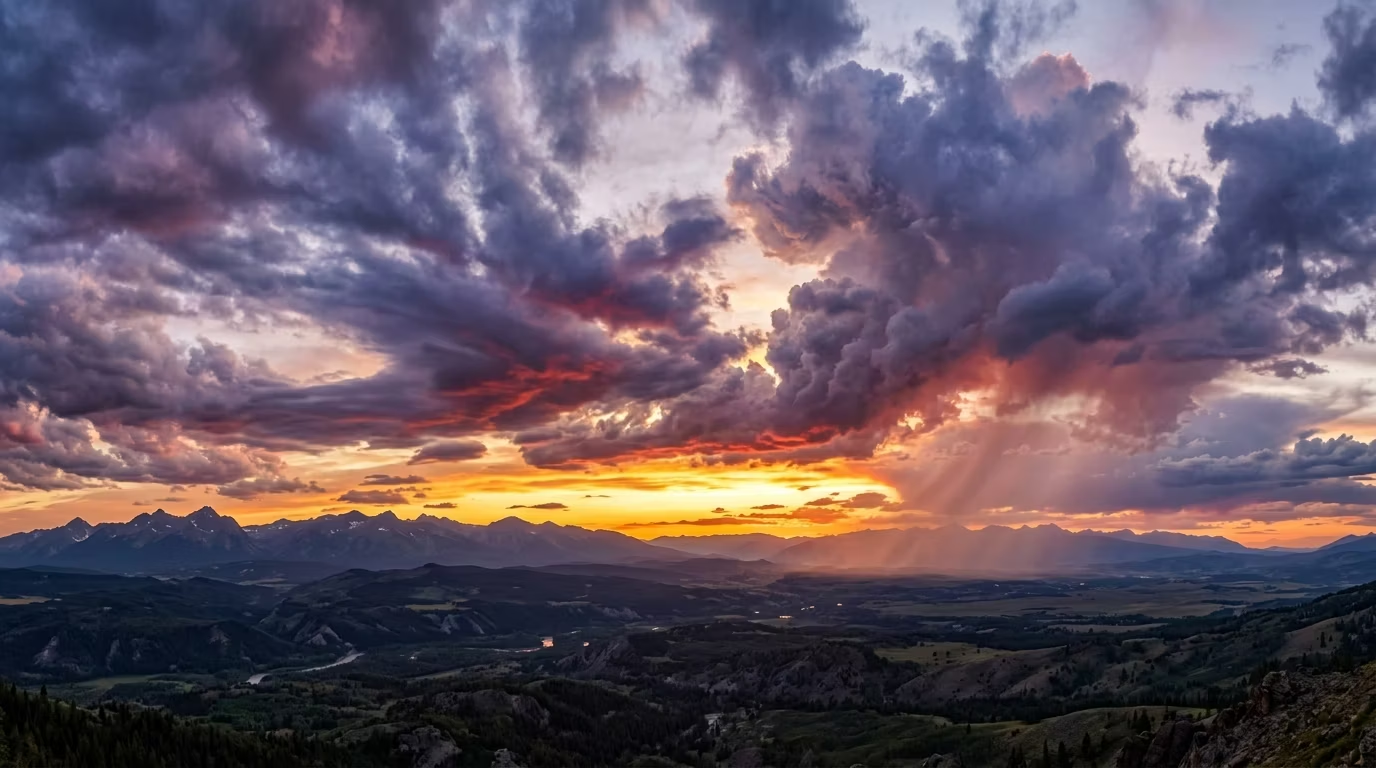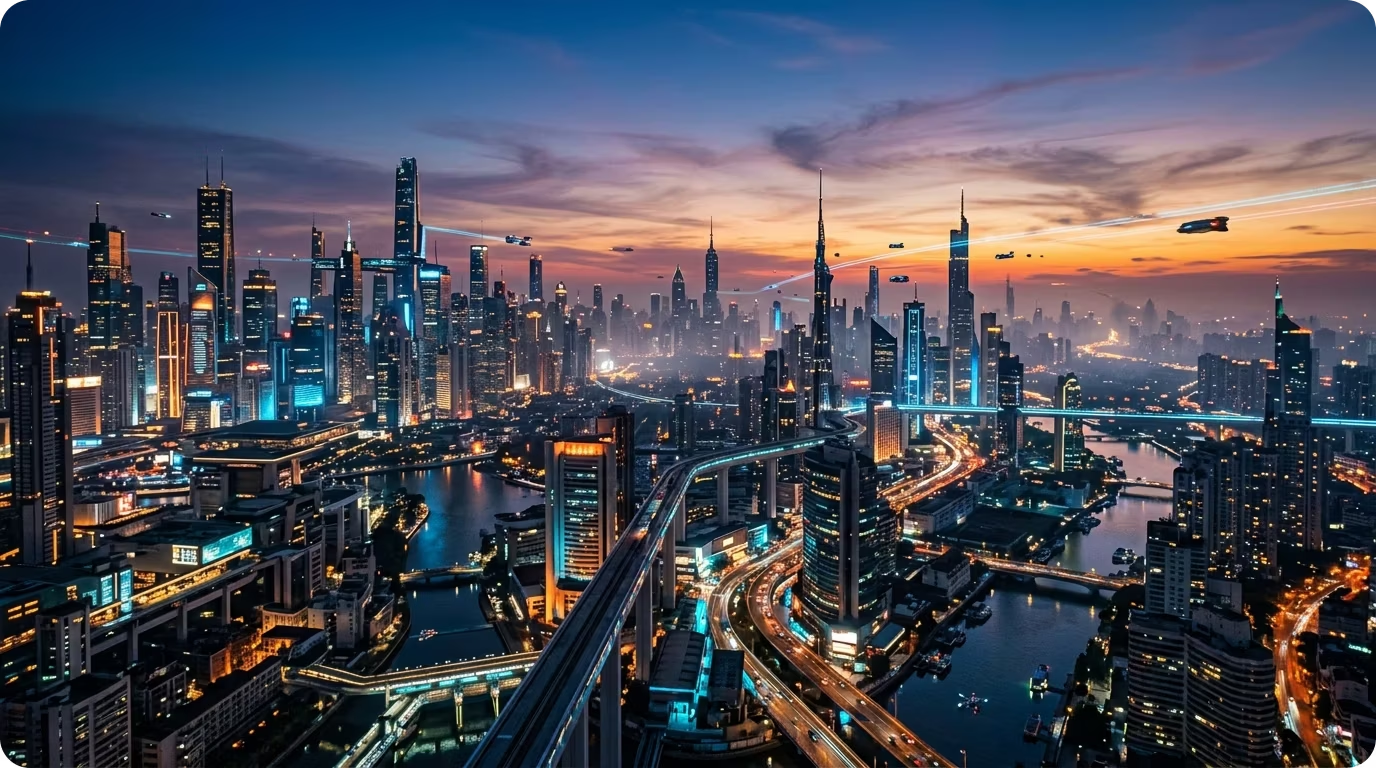
Equirectangular and cubemap
Every skybox is a seamless 360 equirectangular panorama with six matching cubemap faces, so it works as a scene background or environment map in any engine.
Type a prompt and generate a seamless 360° equirectangular skybox panorama in seconds. Apply styles like Realistic, Cartoon, or Cel-Shaded and export to Blender, Roblox, or the web.
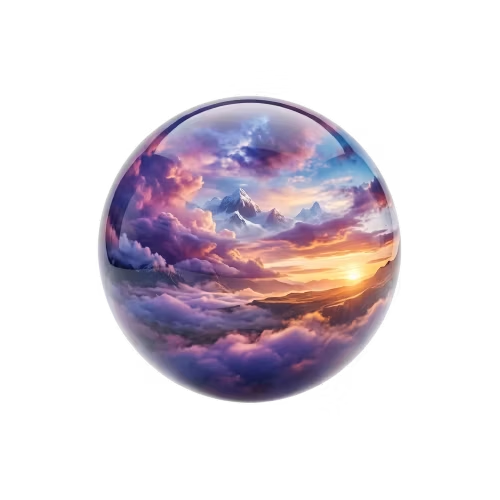
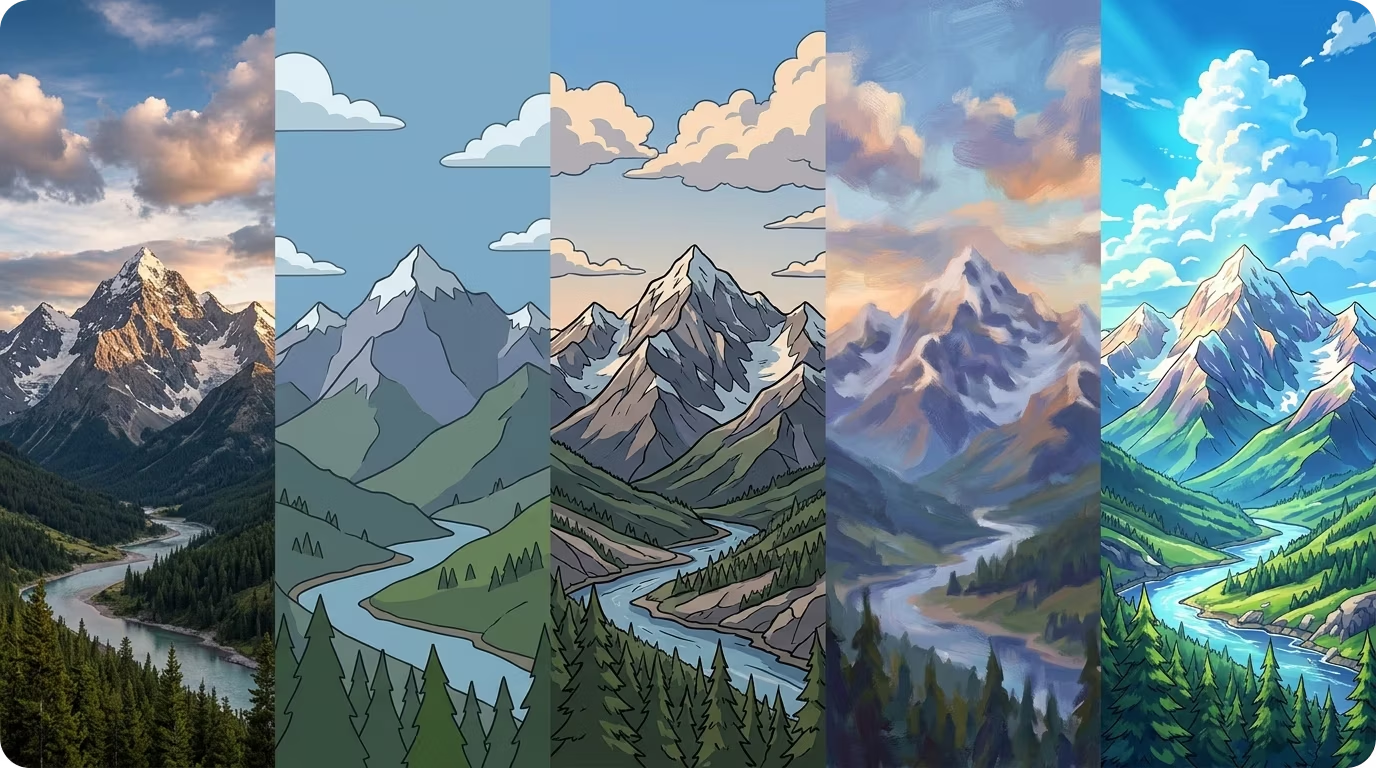
Apply a style like Realistic, Cartoon, Cel-Shaded, or Painterly to match your project. Each style guides the AI to render a panorama with a consistent look across the full 360°.
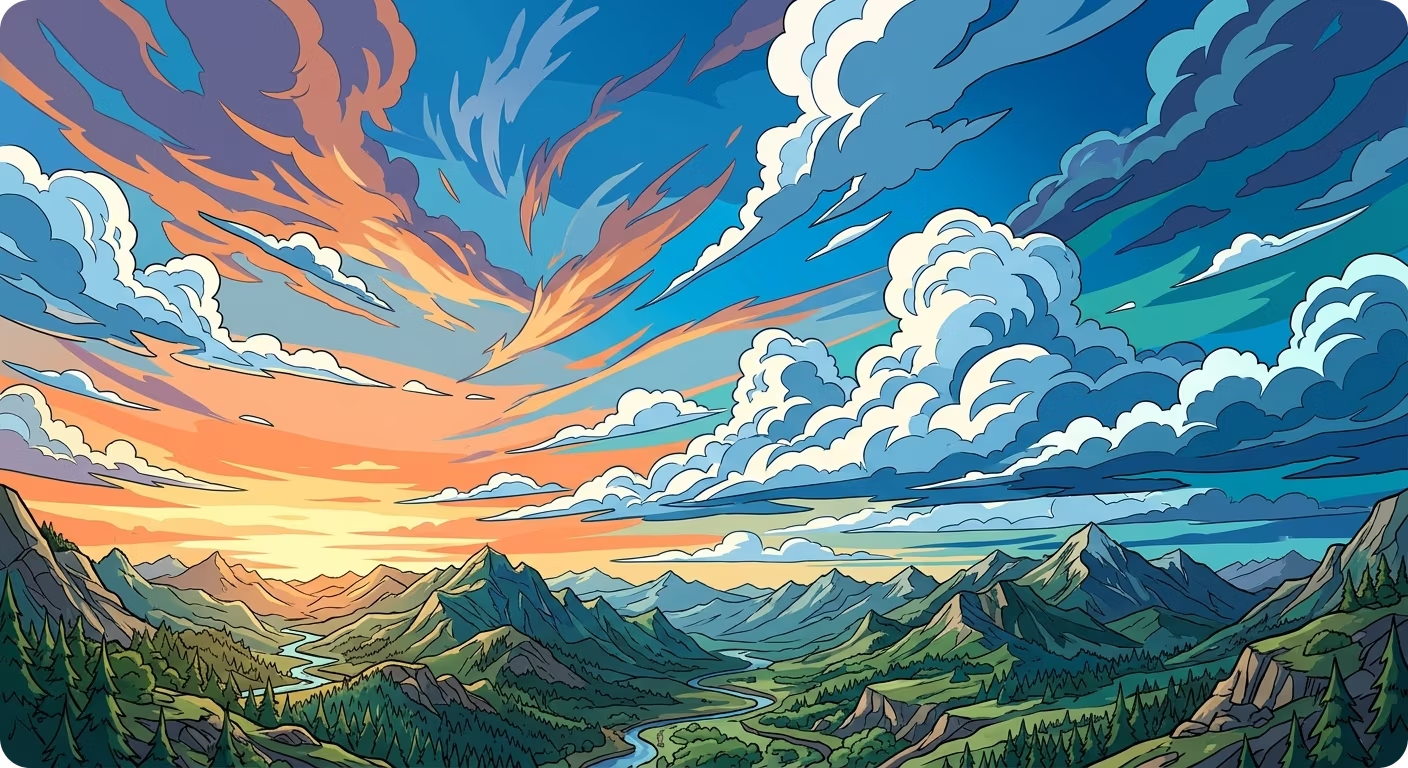
Type a description of the time of day, weather, and atmosphere. The AI renders a seamless 360 panorama with consistent lighting in every direction — no manual stitching or post-processing.
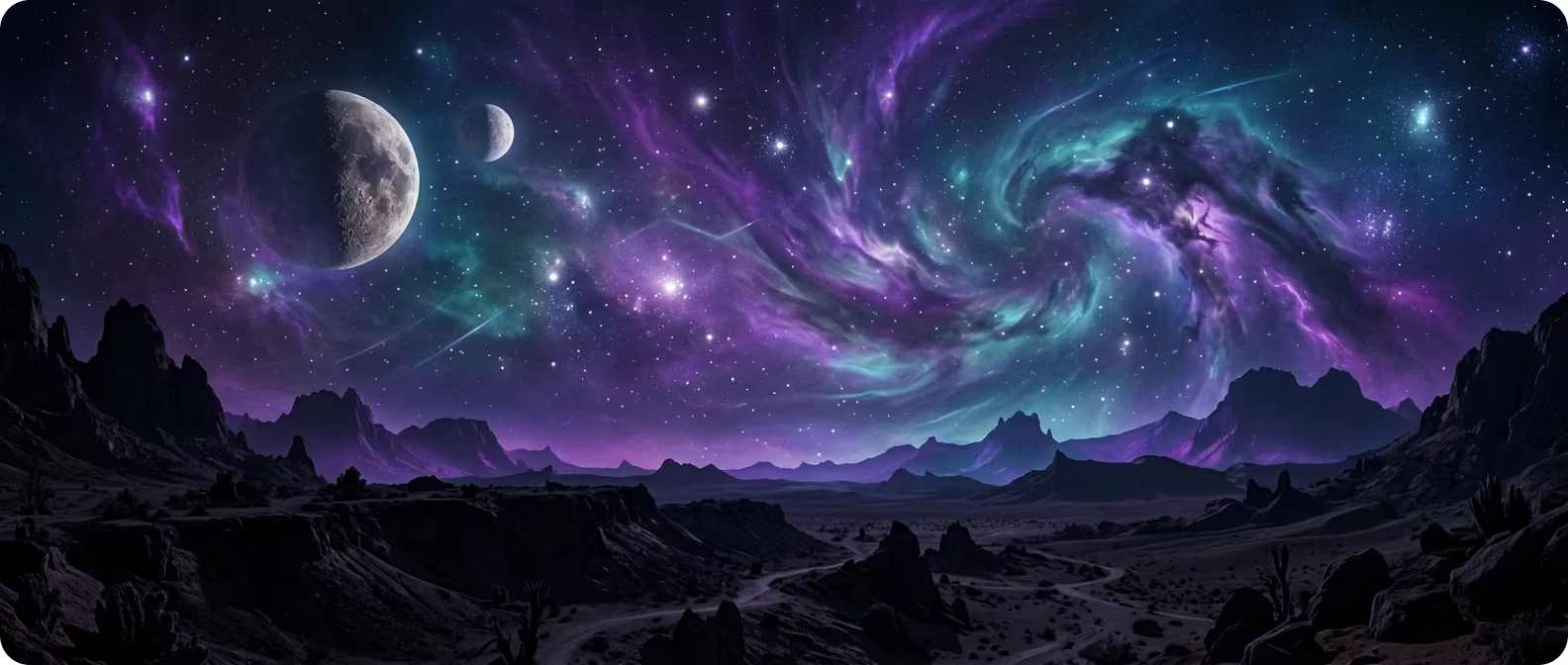
Download your skybox as a Blender file, a Roblox ZIP, cubemap face images, or a web embed — ready to drop into your project without additional setup.
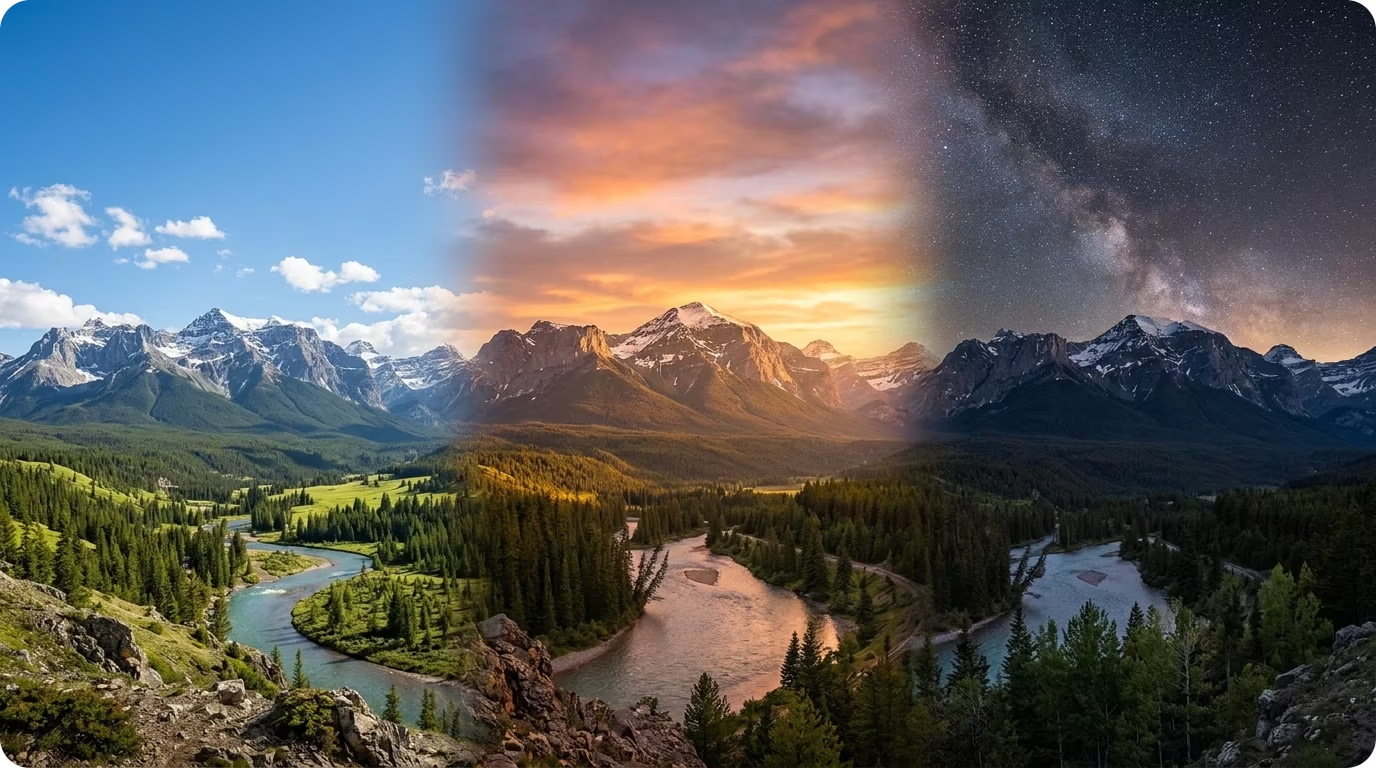
Generate matching skyboxes and 3D objects together in Sloyd for consistent, complete game environments. No switching between tools.
Open the Skybox Generator in Sloyd Labs. Pick a visual style such as Realistic, Cartoon, or Cel-Shaded to guide how the panorama looks.
Type a description of the time of day, weather, and atmosphere. Hit Generate and the AI renders a seamless 360 panorama with consistent lighting in every direction.
Download your skybox as an equirectangular panorama, cubemap faces, a Blender file, a Roblox ZIP, or a web embed, then use it as your scene background.
Every skybox is a seamless 360 equirectangular panorama with six matching cubemap faces, so it works as a scene background or environment map in any engine.
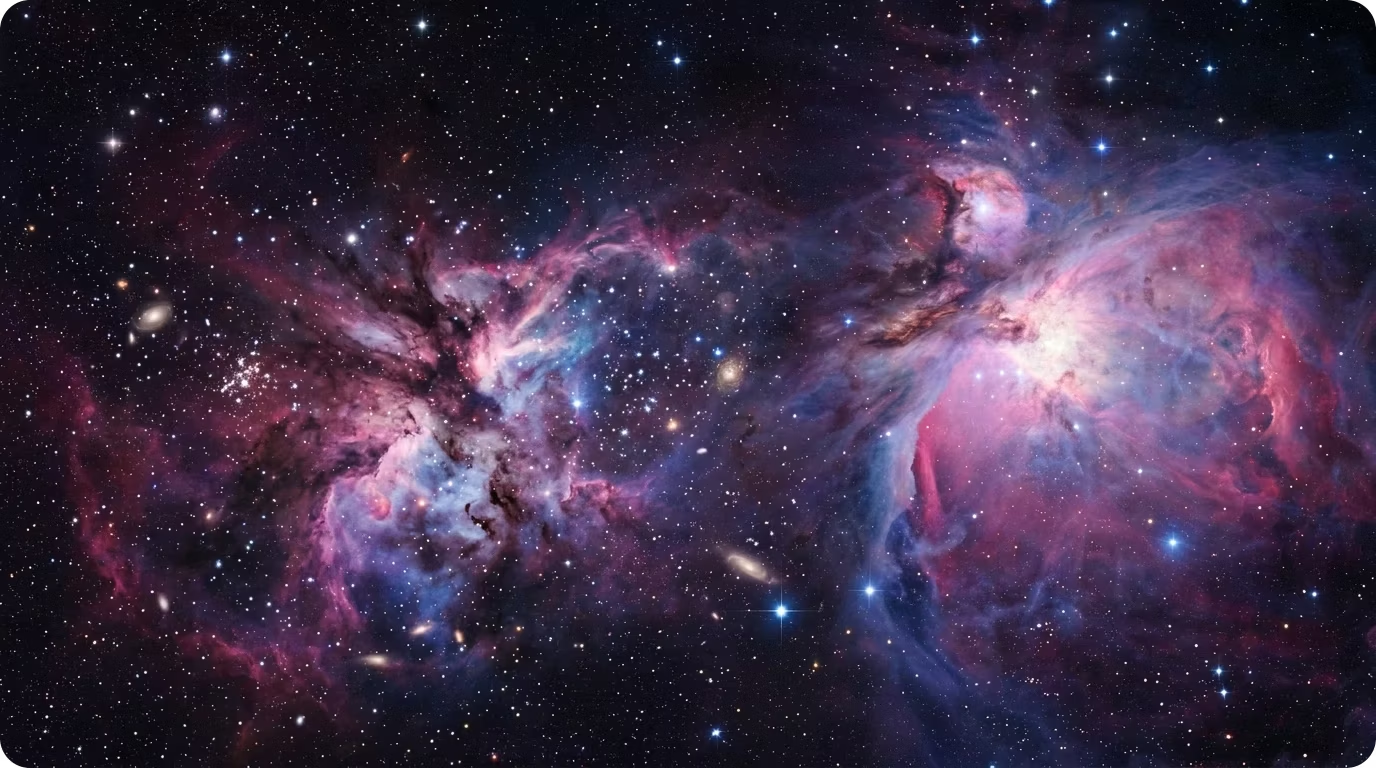
Download your skybox as a Blender file, a Roblox ZIP, cubemap face images, or a web embed, ready to drop into your project.