
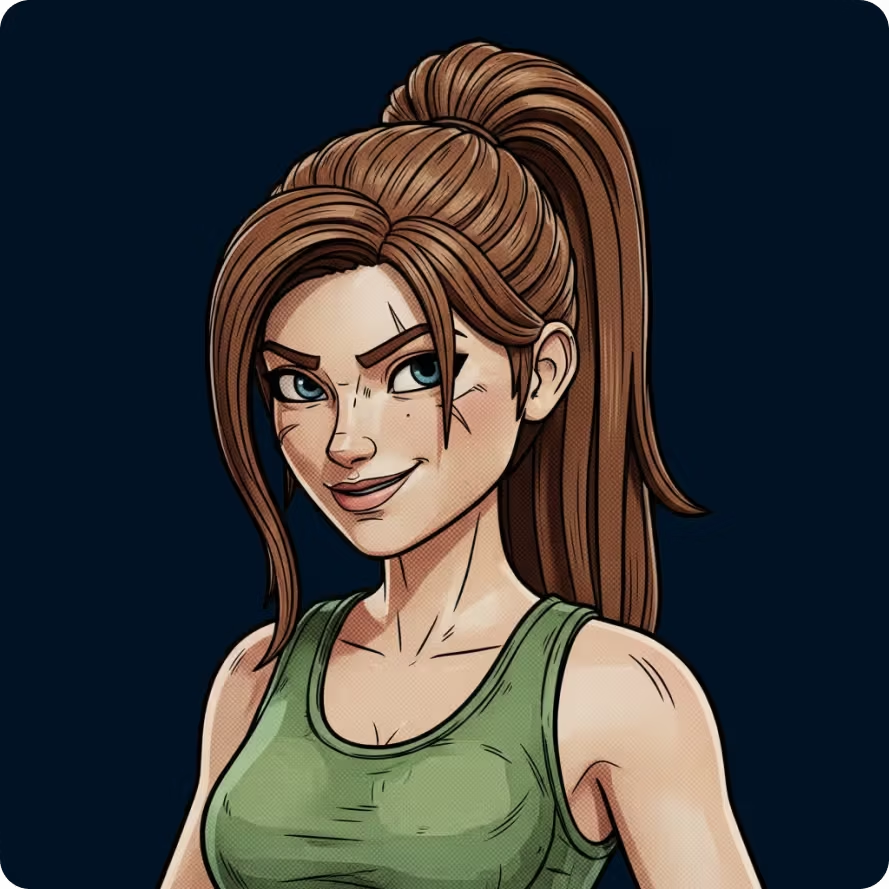
Style Presets
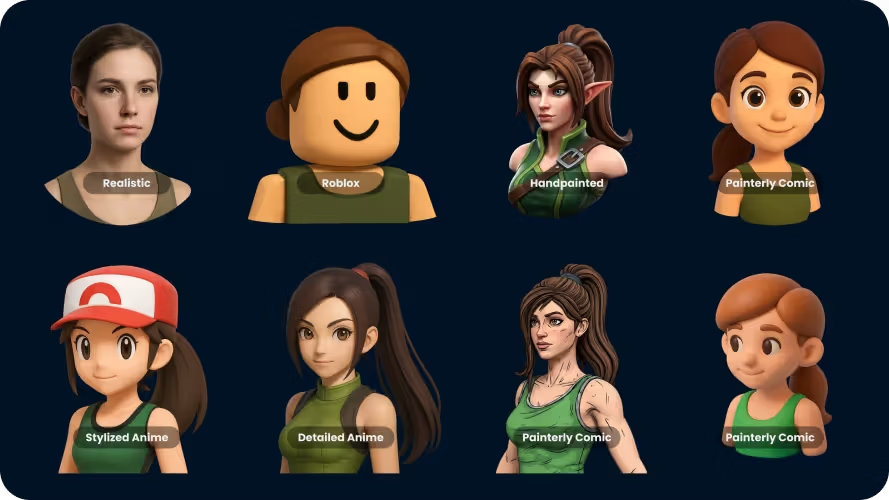
Save time prompting and ensure style consistency with one of our many style presets.
Convert reference images into structured 3D assets for previs, scene blocking, and early film planning. Plan scenes in 3D before production decisions are locked in.
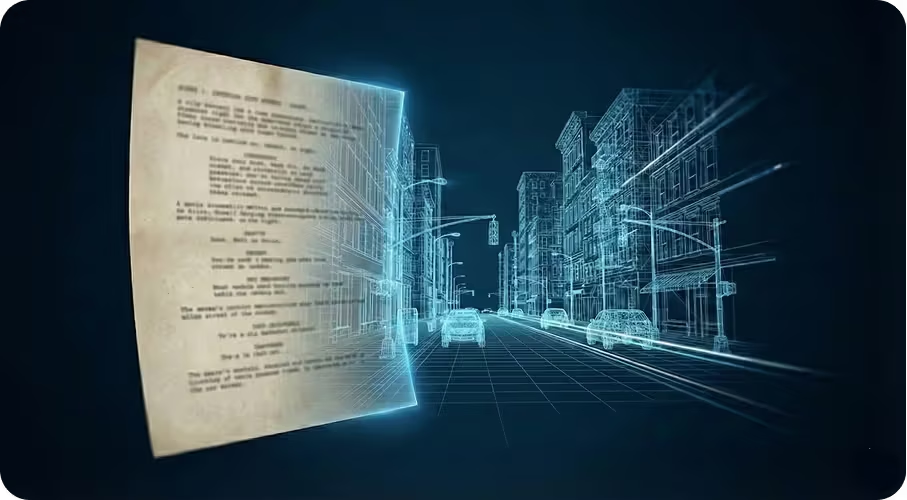
Used by directors, writers, and art teams in pre-production, to explore ideas in early film development. Film teams use Sloyd to visualize scenes, explore environments, and align creative direction before previs or asset production begins.
Traditional tools are built for asset production and final detail, not early scene exploration or layout planning
Once previs and asset production begin, scene layout, environment scale, and staging become harder to change and more expensive
Early film concepts live in scripts, notes, and conversations. Without visual grounding, alignment takes longer and misunderstandings surface late.
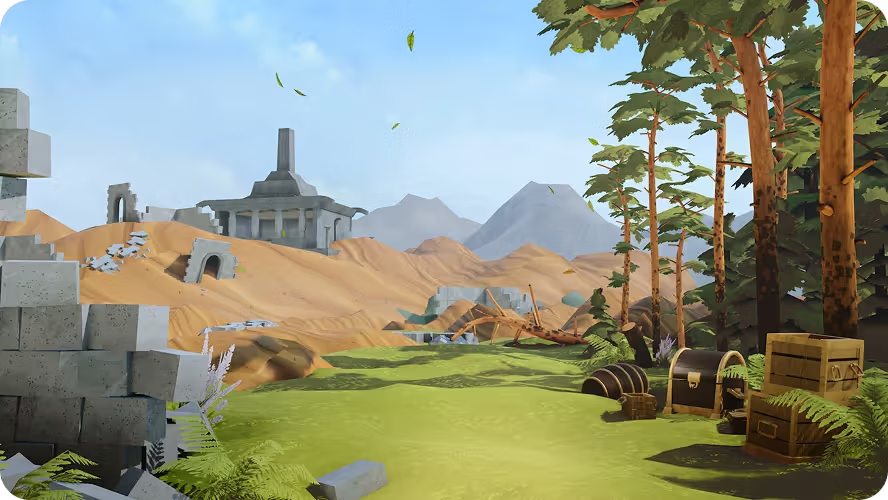
Teams wait on models just to block scenes, pitch environments with placeholders, and make decisions without true scale.
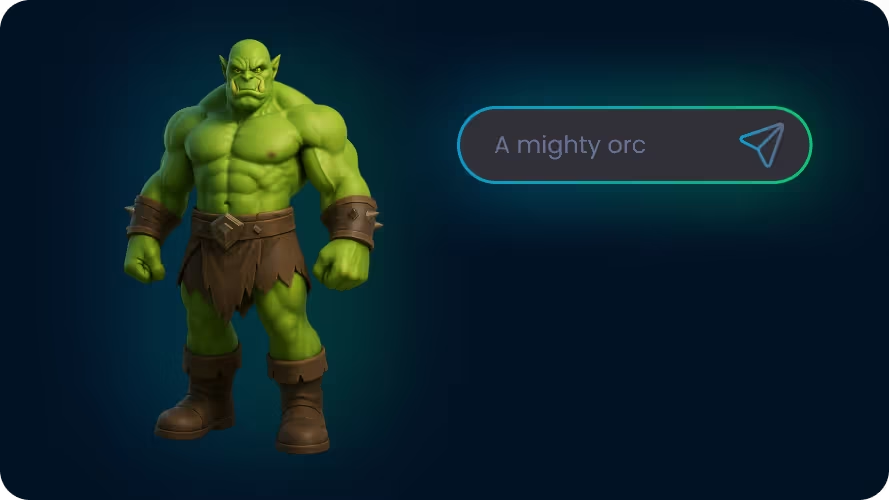
Sloyd fits into pre-production workflows where teams need usable 3D references for previs and planning.
Sloyd helps film teams in the fast, iterative planning stages where clarity matters more than final-shot polish.
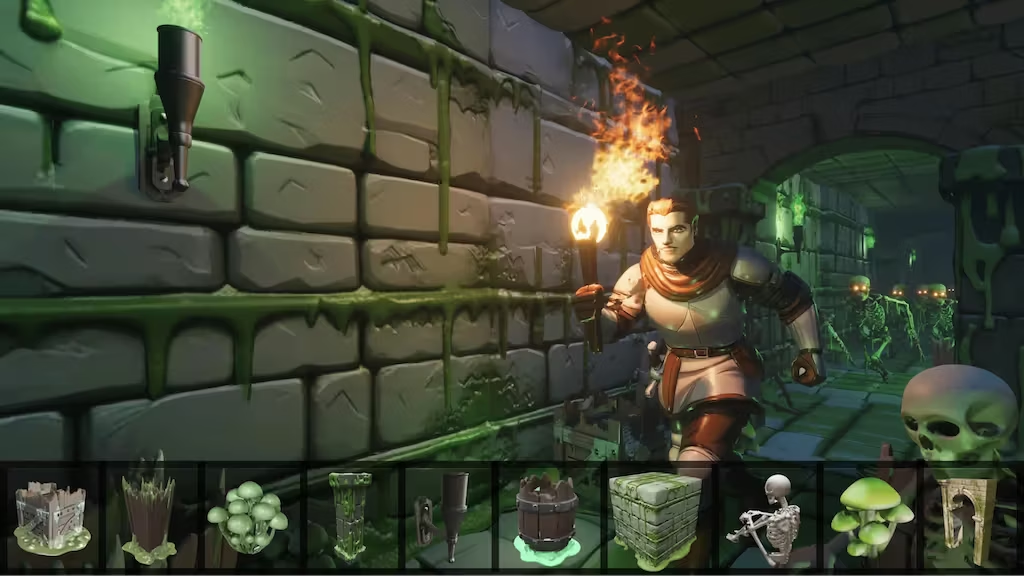
Sloyd removes asset friction at the exact moment film teams need speed.
Before Sloyd, ideas live in scripts, sketches, and storyboards. Scenes are discussed, but not fully visible. With Sloyd, scenes take shape during planning. Scale and layout become clearer, and teams align before production begins.
Go to our Image to 3D tool and drag your file into the upload zone. We support major formats including JPG, PNG, and WEBP (max file size: 20MB).
Hit “Generate” to convert your image to 3D. Within moments, the tool creates detailed geometry and textures automatically — no 3D modeling skills or external software required.
Once finished, click download to save your new OBJ file. Turn a static 2D image into a usable 3D asset in seconds, saving hours of manual modeling time.
Create characters, props, environments in any style, technical setting, and iterate until you have exactly what you want.
Save time prompting and ensure style consistency with one of our many style presets.
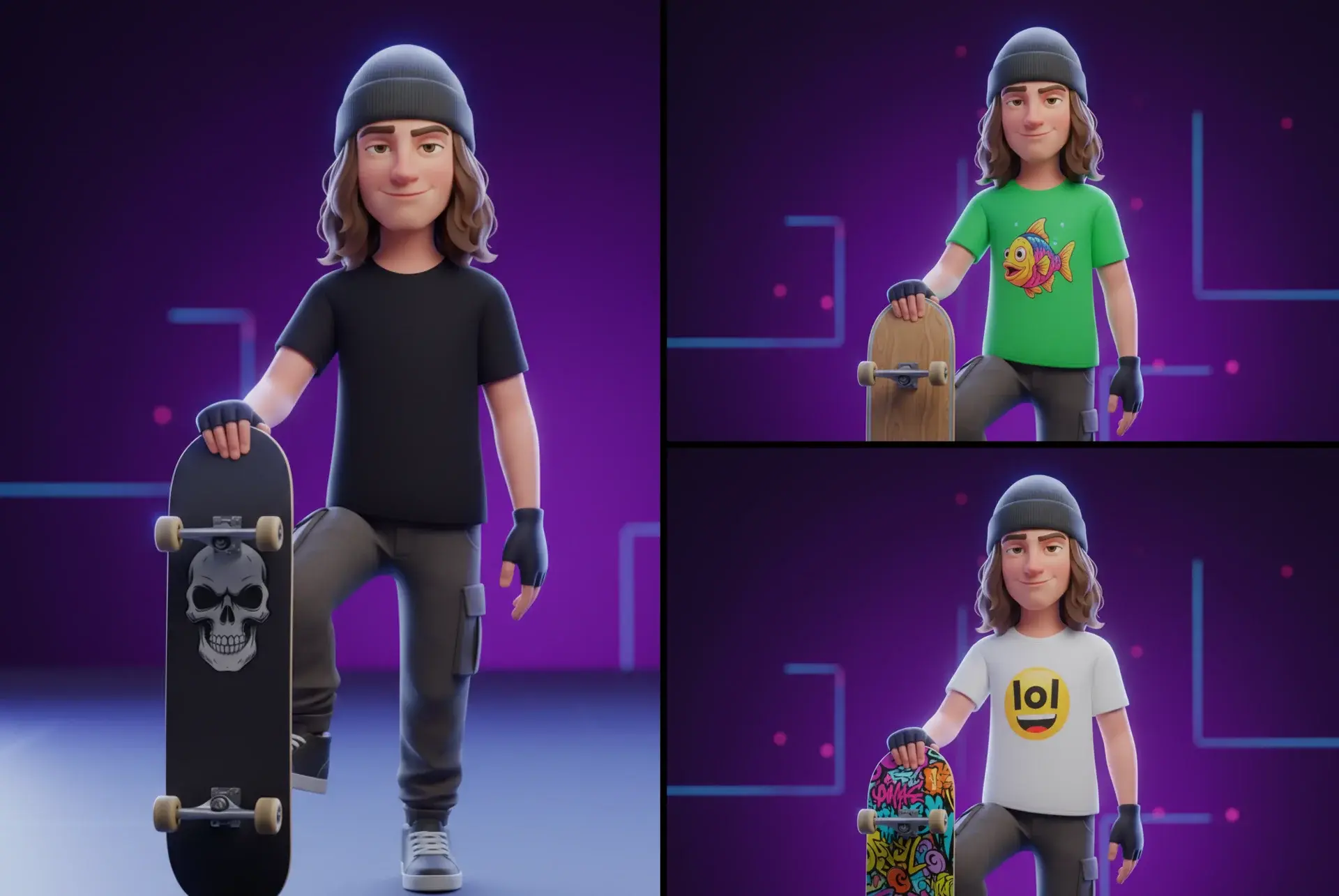
Provide references and generate your own art styles for consistent results.
Upload a reference image and edit easily with text.
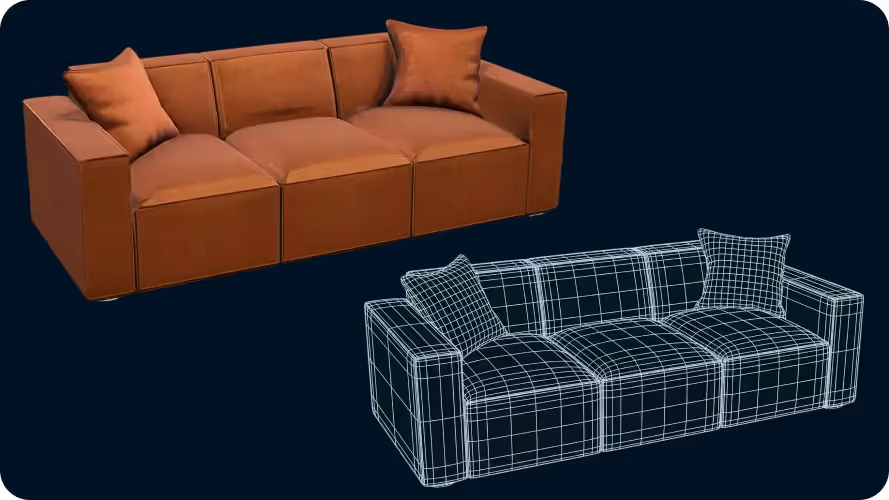
Set target polygon counts, and use quads to prepare for manual editing and animation.
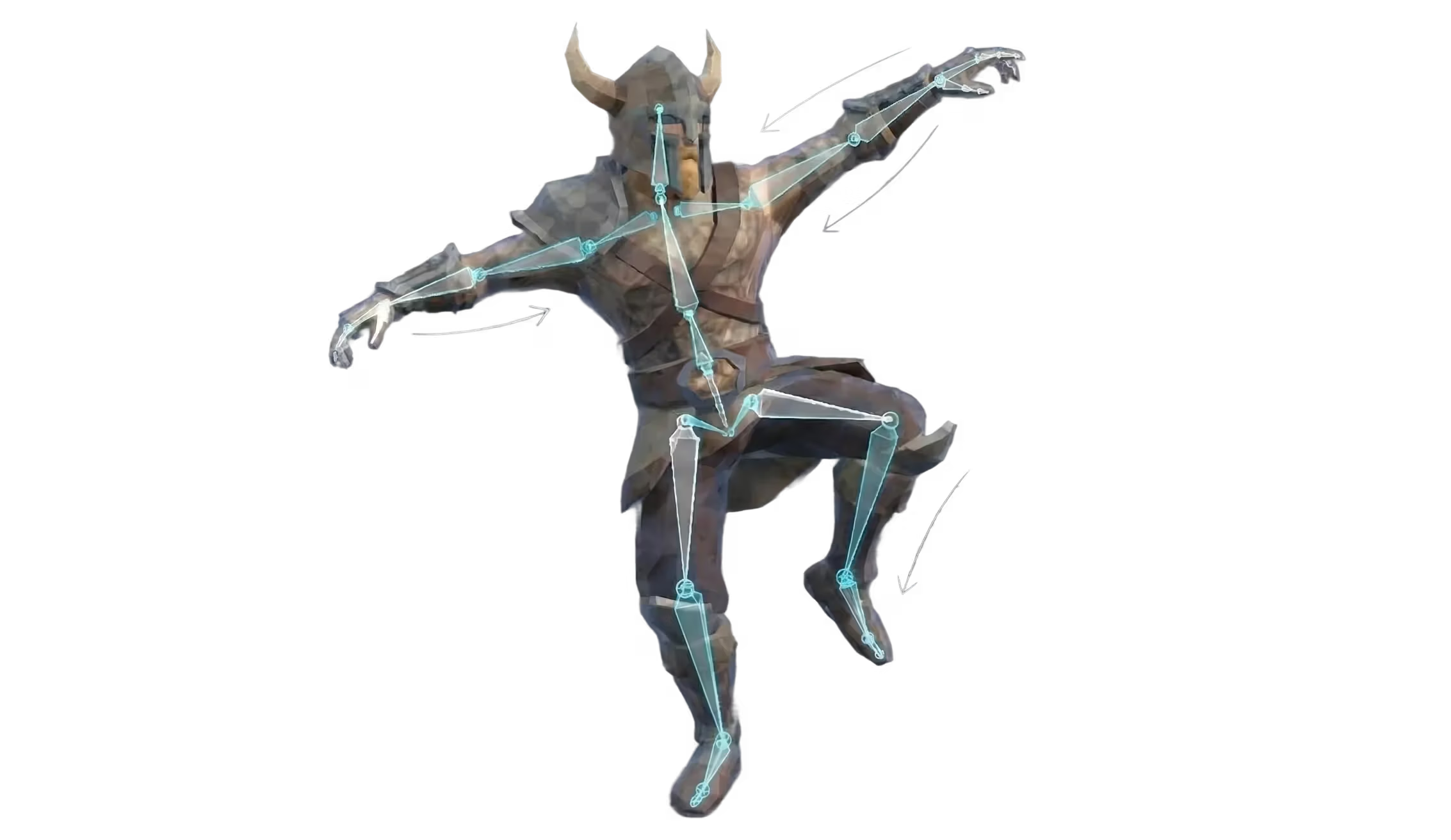
Automatically add rigging with one click, and create animations with AI prompting.
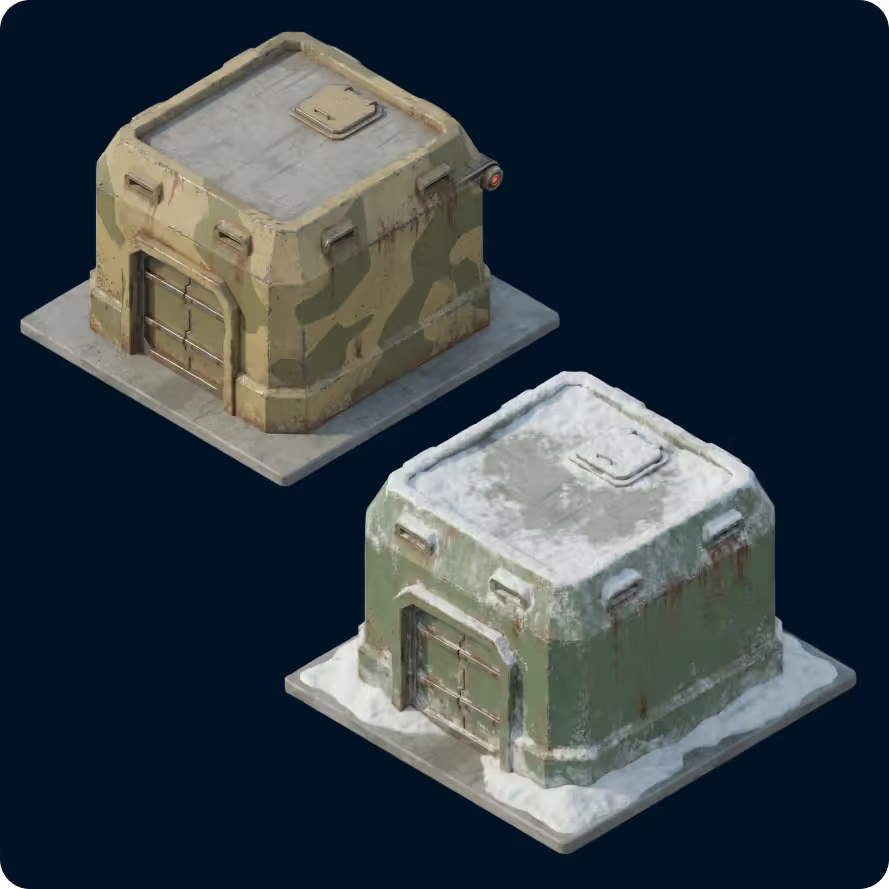
Give an existing 3D model a completely new look.
Sloyd is an AI-powered 3D tool used during early film pre-production to quickly generate and modify 3D environments, props, and scene elements. Filmmakers use it for scene planning, previsualization (previs), set design exploration, and blocking before physical production begins.
Yes. Production designers and creative teams use Sloyd to prototype set layouts, structures, and props in 3D. This helps visualize scale, layout, and design direction before committing to physical builds.
3D previsualization (previs) is the process of building rough 3D versions of scenes before filming. It allows directors and production teams to plan camera angles, environments, shot composition, and scene layout in advance.
Yes. Sloyd is commonly used to block scenes in 3D during early planning. Teams can place characters, props, and structures to explore composition, spacing, and environment flow before moving to previs or production tools.
Yes. Sloyd assets can be exported and used in real-time engines like Unreal Engine and Unity for previsualization, virtual production, or scene exploration workflows.
No. Sloyd supports creative teams by removing asset bottlenecks and speeding up early exploration. It helps artists and previs teams move faster but does not replace custom modeling, design expertise, or final production work.
Yes. Assets created in Sloyd can be exported in industry-standard 3D formats and used in common 3D tools, game engines, and visualization software for previs, layout, and production workflows.
Teams can start generating and iterating on 3D assets within minutes. There is no complex setup, making it suitable for fast-paced early planning and concept development.
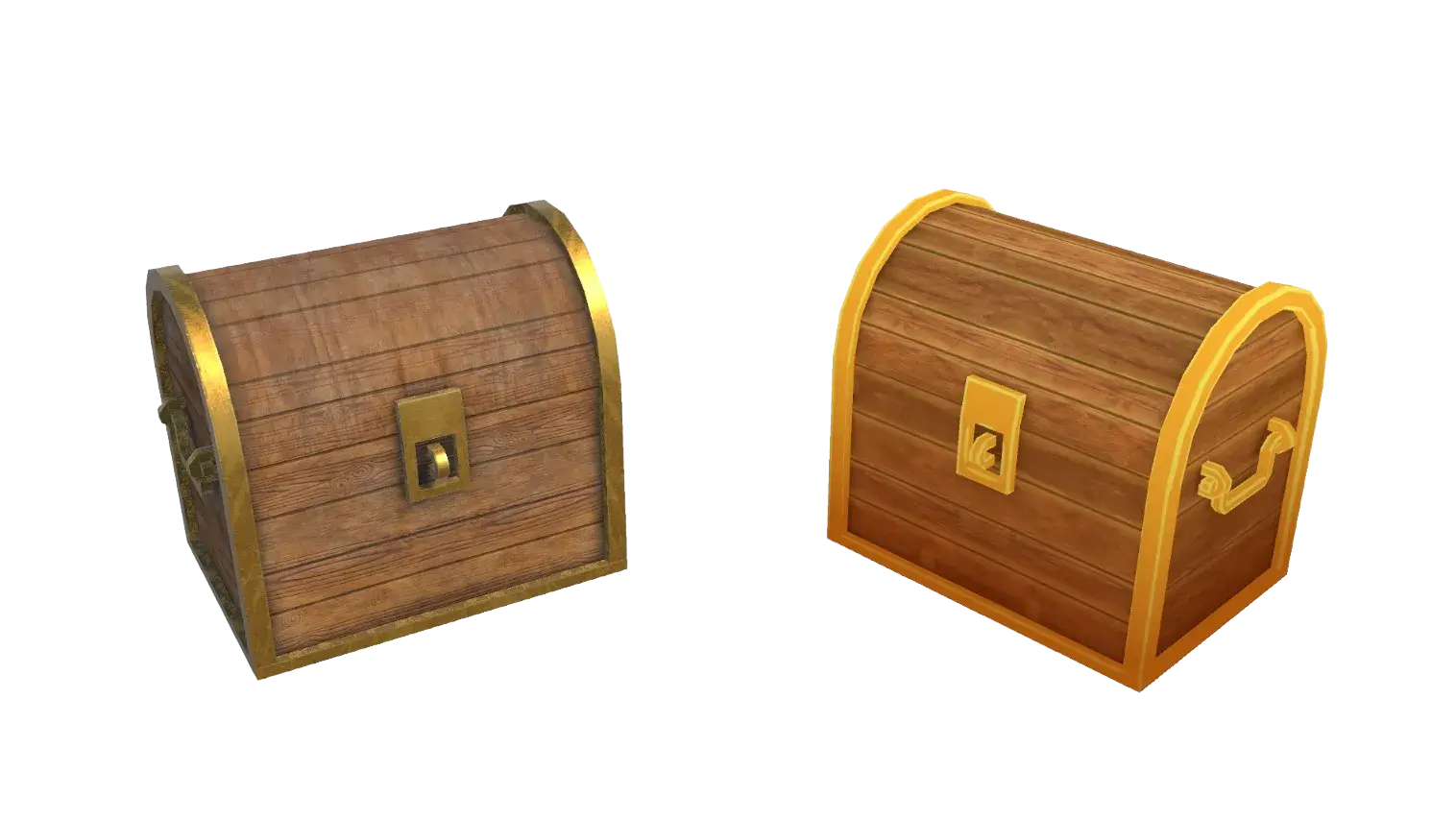
You don’t need every asset finished. You just need to see it. Start with one scene, one prop, one idea that needs clarity.