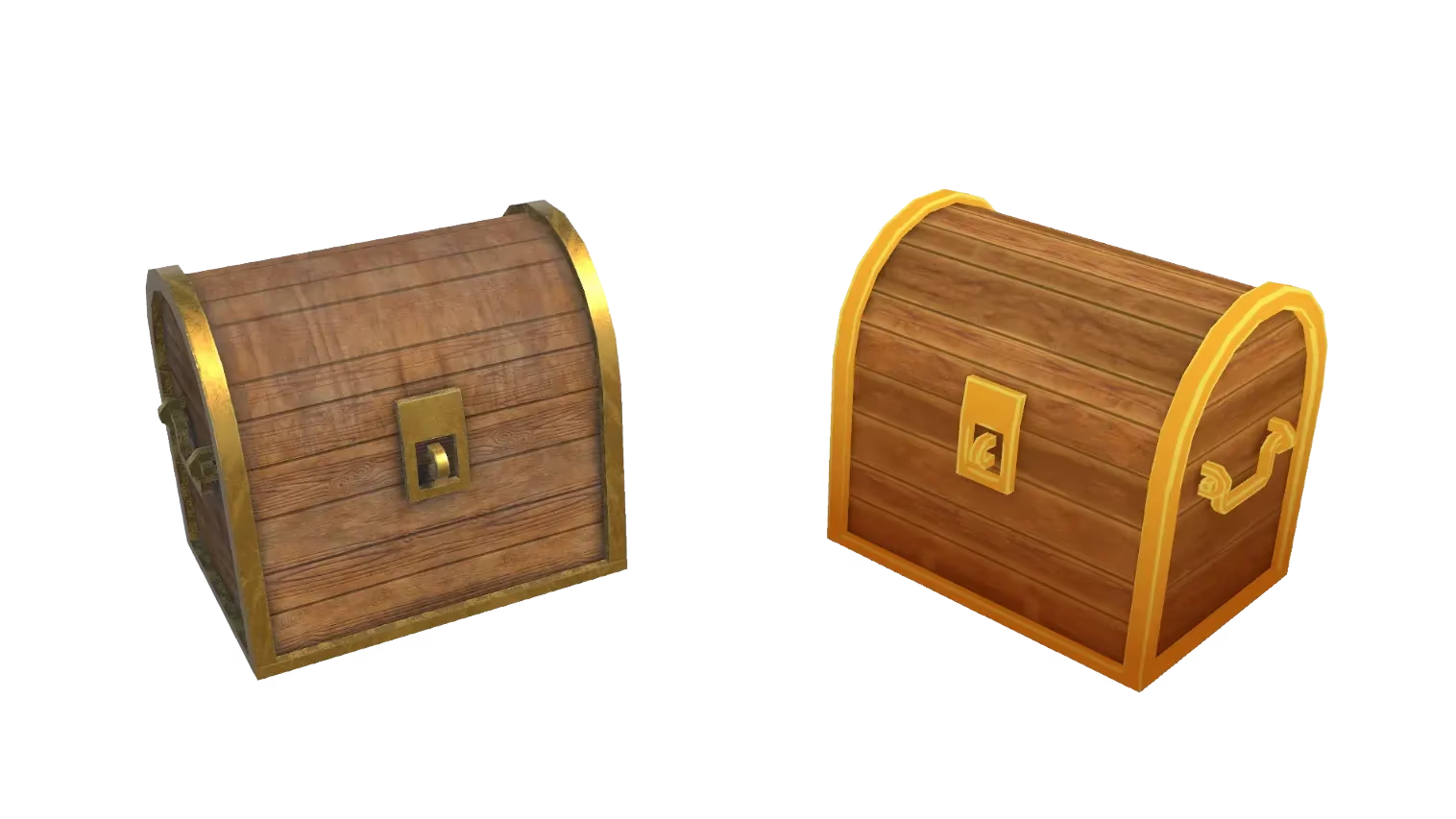
Auto-rig and animate 3D characters with AI
Turn a static 3D model into a rigged, animated character in minutes. Sloyd applies a skeleton automatically and adds motion — no manual weight painting or keyframing required.
Auto-rigging without the manual work
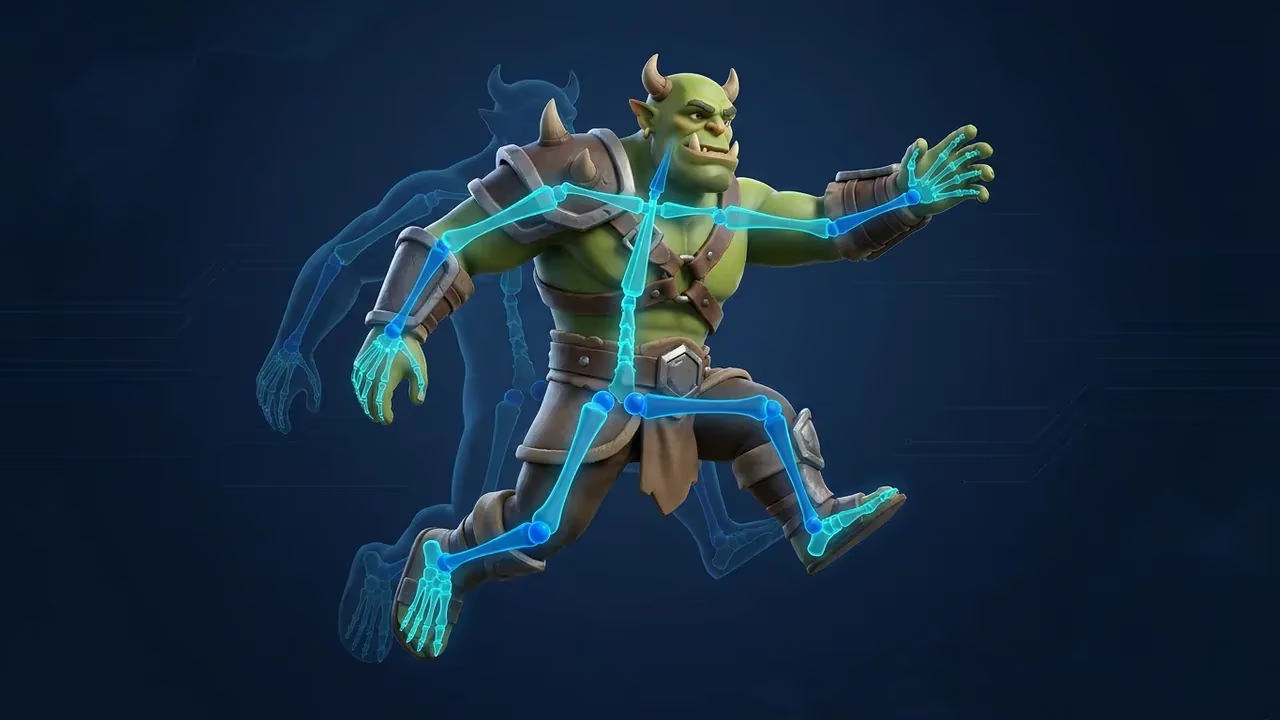
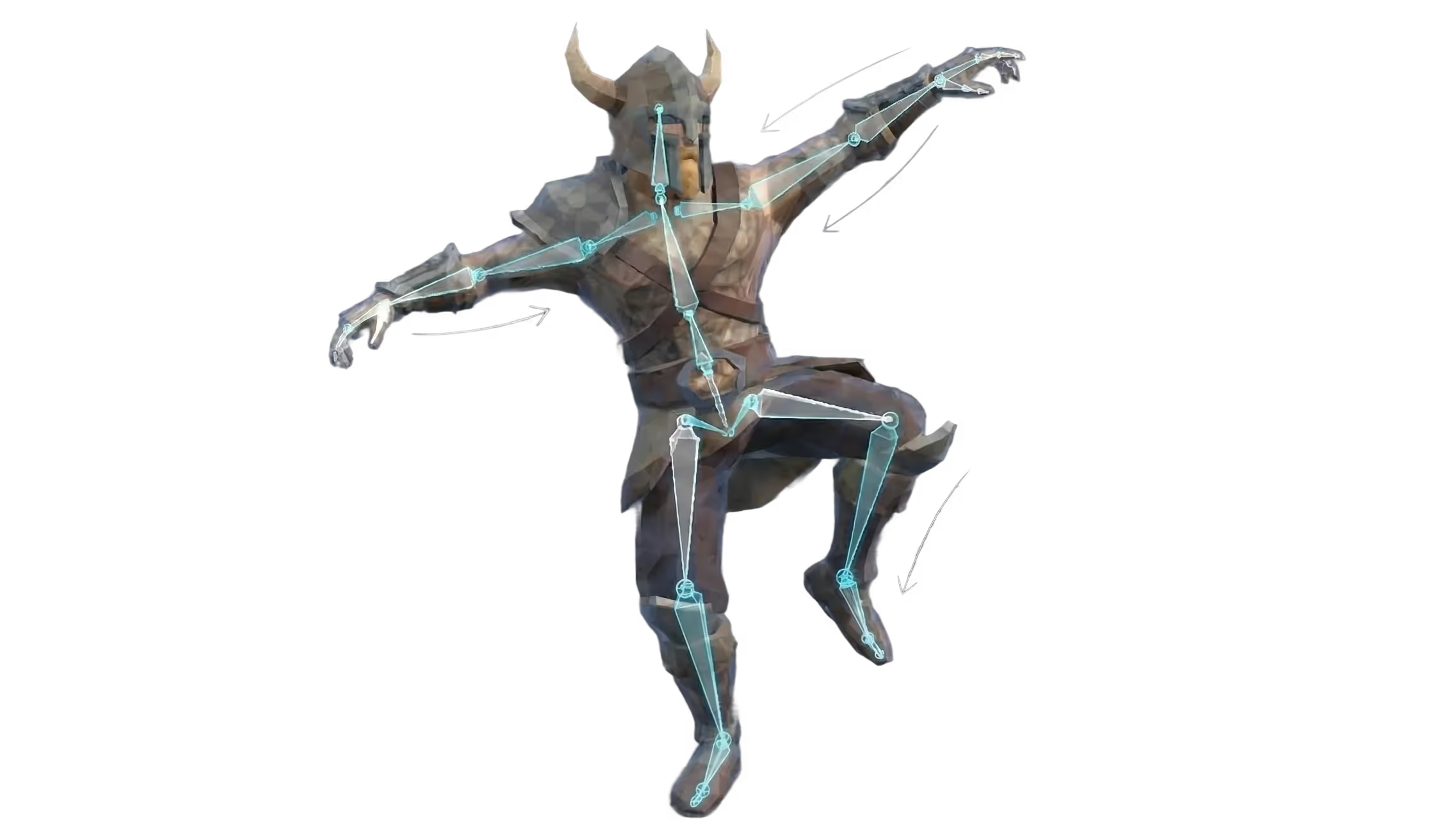
Sloyd detects your character’s structure and fits a skeleton automatically. Skip the hours of joint placement and weight painting that traditional rigging demands.
AI animation in a few clicks
Add walk cycles, idles, and other motions to your rigged character with Sloyd’s Animate tool. Preview the result in the browser before you export.
Turn a video into animation
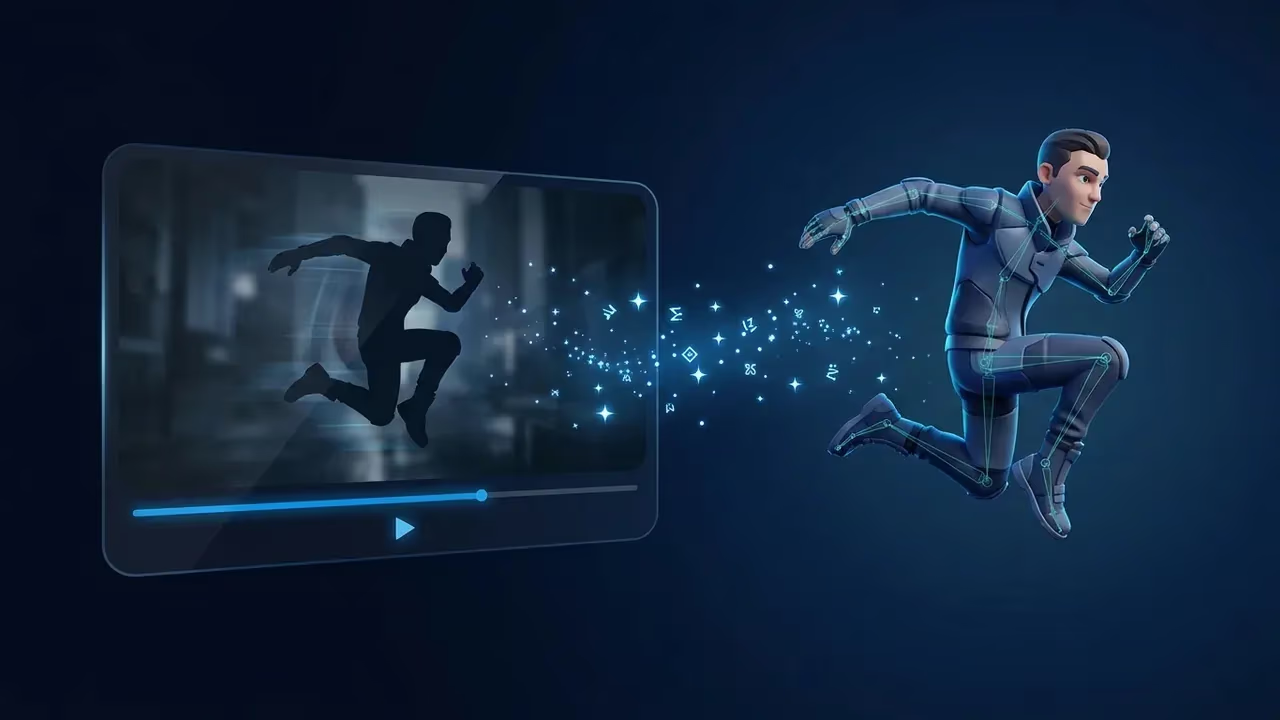
Upload a short full-body video clip and Sloyd captures the motion and maps it onto your character — reference your own movement instead of describing it. Video to animation is a Pro feature.
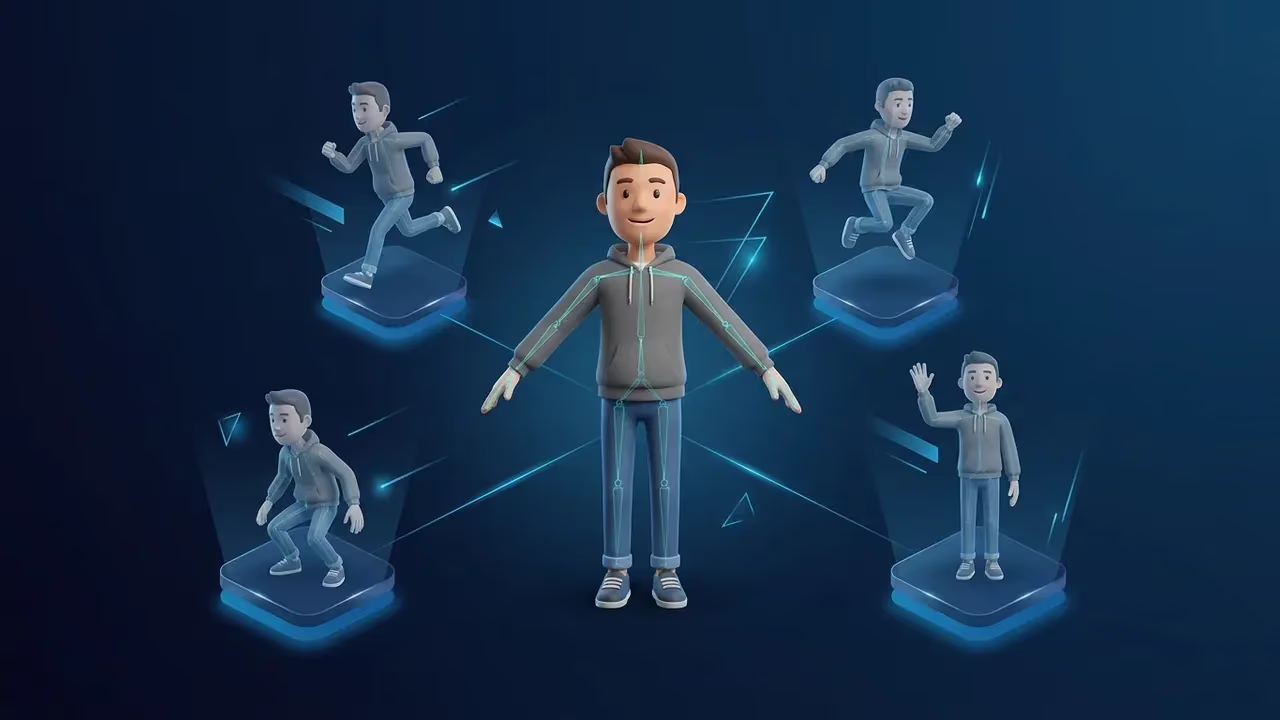
Many animations on one character
Build up a set of motions on the same rigged model — walk, run, idle, attack — and reuse them across your project. One character with a clean skeleton plays every clip, which is exactly how animation works inside Unity, Unreal, and Godot.
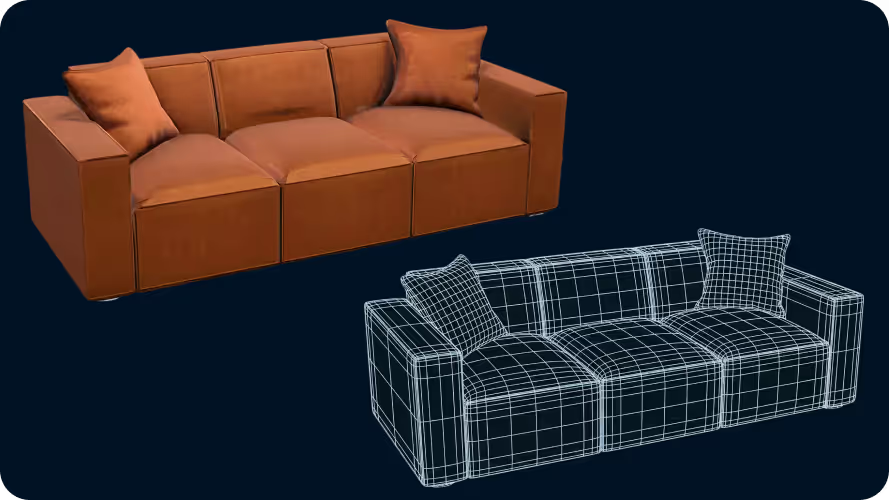
Game-engine ready
Export rigged, animated characters in GLB, FBX, USD, USDZ, or BLEND. Pick the animation-capable format your engine or DCC supports and import it without re-rigging.
How to rig and animate a 3D model with AI
- 1
Generate or upload a model
Start from a model you generated in Sloyd or bring your own character into the Animation lab.
- 2
Auto-rig the character
Sloyd fits a skeleton to your model automatically — no manual joint placement or weight painting.
- 3
Animate and export
Apply motion with the Animate tool, preview it in the browser, then export a rigged model in the animation-capable format your engine or DCC supports.
Frequently Asked Questions
Do I need to rig my character manually?
No. For humanoid characters prepared in a T-pose or A-pose, Sloyd fits a skeleton automatically without manual joint placement or weight painting.
Can I create animation from text or video?
Yes. Text-to-animation creates motion from a prompt and requires a subscription. Video-to-animation maps a short full-body reference clip onto your character and is a Pro feature.
Can one character have multiple animations?
Yes. You can build a set of motions such as walk, run, idle, and attack on the same rigged model.
Can I preview animations before exporting?
Yes. Use the Animate tool to apply motion and preview the result in your browser before exporting.
What format can I export animated characters in?
Sloyd exports rigged, animated characters as GLB, FBX, USD, USDZ, or BLEND, depending on the destination you are targeting.
Can I use exported animations in a game engine?
Yes. Choose the animation-capable format your engine or DCC supports — GLB, FBX, USD, USDZ, or BLEND — and import it without re-rigging.