7 Best Practices for AI-Generated 3D Models in Game Development
Follow 7 proven best practices to optimize AI-generated 3D models for game development — from topology and LODs to texturing and performance.
Want to use AI for creating 3D game assets? Here's what you need to know in 60 seconds:
| Best Practice | What You Need to Do |
|---|---|
| 1. Write Better Prompts | Split complex objects into parts, focus on props/environments first |
| 2. Check Model Quality | Review mesh structure, UV mapping, and performance |
| 3. Make Models Run Fast | Cut polygons, implement LODs, merge materials |
| 4. Build Model Library | Set up central storage with proper tags and categories |
| 5. Ensure Compatibility | Use FBX format for best engine support |
| 6. Test and Fix Models | Check geometry, remove hidden faces, optimize |
| 7. Add AI to Workflow | Start with free tools, track costs, use templates |
Key Facts:
- 99% of users can't create 3D models due to complexity
- AI tools cut modeling costs by 90%
- Tools like Sloyd have unlimited exports for only $15/month.
Current AI Limitations:
- Works best for props and backgrounds
- Struggles with characters/animations
- Needs manual UV/topology fixes
- Output quality varies
Want to start? Begin with static props and environments - they're easier for AI to handle. Test different prompts to match your game's style.
Other ways of using AI in game development
Write Better AI Prompts
Getting great 3D models from AI comes down to your prompt writing skills. Here's what works:
| Prompt Component | Description | Example |
|---|---|---|
| Main Subject | Core object description | "medieval combat knight" |
| Style Details | Visual style reference | "low poly, Fortnite-style" |
| Other Details | Materials, colors, textures | "gold armor, leather trim" |
For game assets, split complex objects into parts. Don't ask for "a fully equipped warrior". Instead, generate:
- Body model
- Armor pieces
- Weapons
- Accessories
This gives you better control and sharper results.
Here's what works based on data:
| Asset Type | Prompt Structure | Example |
|---|---|---|
| Props | Object + 2 key attributes | "stone well with oriental roof" |
| Weapons | Base type + specific style | "curved sword, damascus steel" |
| Buildings | Architecture + time period | "victorian mansion, 19th century" |
| Furniture | Item + material + style | "wooden chair, rustic farmhouse" |
Put your key details first - the AI pays more attention to early words. Use curly brackets for must-have elements:
{medieval knight armor} gold trim, highly detailed, game-ready asset
✨ How This Works in Sloyd
Sloyd has two powerful AI paths for generating 3D models — each with different prompt strategies:
1. Parametric Editor with AI Enhancements
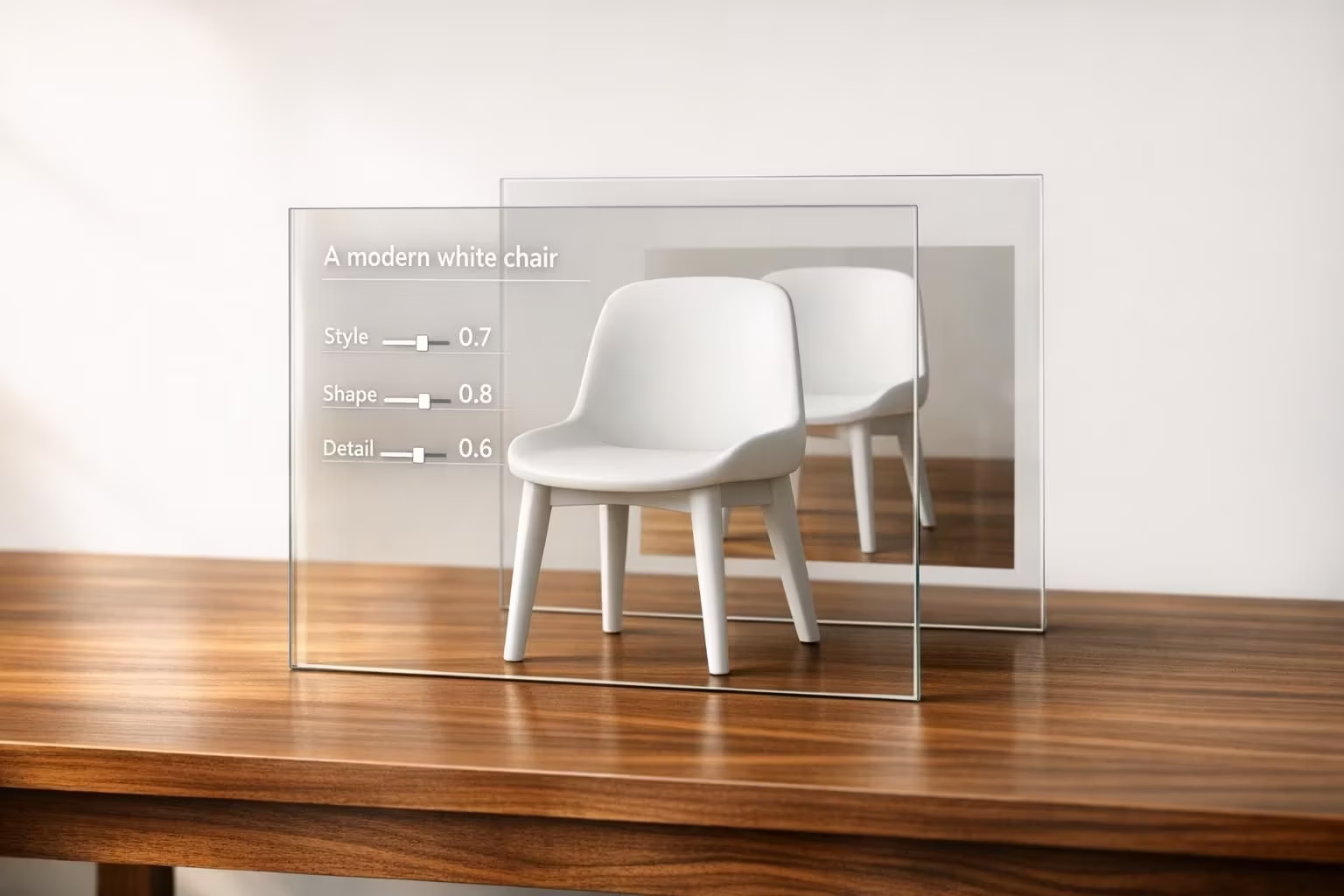
Use sliders and smart controls to tweak pre-made templates. You can also write short prompts to guide the shape or style, but it won’t create entirely new concepts from scratch. This approach is great when you want:
- Guaranteed clean topology and UV maps
- Real-time adjustments
- Fast exports for props and environment pieces
Best used with short, descriptive inputs like “modern desk lamp” or “sci-fi crate”.
2. Text-to-3D Generative AI
This is your open-ended creation tool. Type in a full prompt and get a unique 3D model from scratch — perfect for when you need something that doesn’t exist in the template library. It works well with all the tips in this article:
- Break down complex scenes into parts
- Keep prompts under 50 words
- Specify material and style
- Use clear, simple words
Want to try both? Sloyd includes unlimited exports to test the parametric and text-to-3D tools side-by-side in the paid plan at $15/month.
Tips for current AI tools:
- Stick to static objects and props
- Keep descriptions short (under 50 words)
- Make each piece separately
- Use clear, simple words
Want to test different prompts? Sloyd offers 30 free export credits. After that, paid plans start at $15/month for 200 exports.
Start with basic props and environments - AI handles these better than complex characters or animations. Test different prompts to find what works for your game's style.
2. Check Model Quality
Here's how to check AI-generated 3D models before using them in games:
| Review Stage | What to Check | Tools |
|---|---|---|
| Mesh Structure | Polygon count, topology, hidden faces | 3DS Max STL Check |
| UV Mapping | Texture alignment, seams, stretching | UV mapping tools |
| Performance | Load times, frame rates, resource usage | Game engine metrics |
| Visual Quality | Textures, materials, lighting | In-engine preview |
1. 30% Review - Basic Structure
Look at the mesh and topology:
- Missing or duplicate faces
- Polygon flow
- Edge loops
2. 60% Review - Technical Elements
Check these core requirements:
- UV map quality
- Texture resolution
- Material setup
- Scale accuracy
3. 90% Review - Final Testing
Make sure everything works:
- In-game performance
- Visual consistency
- Hardware compatibility
- Asset optimization
Here's how to fix common problems:
| Issue | Fix |
|---|---|
| High poly count | Use retopology tools to simplify mesh |
| Bad UV mapping | Rebake textures after UV adjustment |
| Poor performance | Merge objects, remove hidden geometry |
| Visual glitches | Check material settings, lighting setup |
For game-ready models:
- Keep poly counts low
- Optimize texture sizes
- Remove extra geometry
- Test on your target hardware
Pro tip: AI tools won't give you perfect models. Set aside time for a 3D artist to fix topology, UVs, and rigging.
3. Make Models Run Faster
Here's how to boost your game's performance with AI-generated 3D models:
| Optimization Method | Target Range | Tools |
|---|---|---|
| Polygon Reduction | 100K-200K vertices (mobile) | Blender, MeshLab |
| LOD Implementation | 3-5 versions per model | Unity, Simplygon |
| Texture Compression | 1K-2K resolution (mobile) | Unity's compression tools |
| Material Merging | 1 material per mesh | Texture atlas tools |
| Static Lighting | Pre-baked maps | Unity Lightmapper |
Cut Those Polygons
Want to slash your polygon count? Here's what works:
Open Blender 3.1 and use the Decimate modifier. Set it to 0.5 to drop from 512 to 300 faces. Need even fewer? Push it to 0.1 for 96 faces - perfect for objects in the background.
Smart LOD Setup
| Distance | Detail Level | Poly Reduction |
|---|---|---|
| Close (0-10m) | High LOD | Original mesh |
| Mid (10-30m) | Medium LOD | 50% reduction |
| Far (30m+) | Low LOD | 75% reduction |
One Material to Rule Them All
Combine your textures into a single atlas. This cuts down draw calls BIG TIME. Keep it simple: one material per mesh, with several hundred triangles minimum.
Load Like Lightning
- Pick compressed FBX or GLTF
- Turn on mipmaps for 3D textures
- Add occlusion culling
- Use baked lighting (not real-time)
Mobile Success Guide
| Component | Target Specs |
|---|---|
| Vertex Count | Under 100K per scene |
| Texture Size | 1K-2K resolution |
| Draw Calls | Under 100 per frame |
| Materials | 1 per mesh group |
Need help hitting these numbers? Sloyd's Plus plan comes with tools to optimize while keeping your visuals sharp.
Test on Real Devices
Don't skip this part: Test on your target hardware. While PCs can handle 3M vertices per frame, mobile needs WAY less. Watch those frame rates and tweak your LOD distances until everything runs smooth.
4. Build a Model Library
Here's how to set up a system to manage your AI-generated 3D models:
| Component | Purpose | Tools |
|---|---|---|
| Central Storage | One home for all models | echo3D, Daminion, Sloyd |
| Version Control | Keep track of changes | Unity Cloud |
| Metadata Tags | Quick model search | Connecter, Eagle |
| Format Support | Work with any file type | echo3D, Daminion |
| Cloud Access | Team collaboration | echo3D, Unity Cloud, Sloyd |
Storage Structure
| Category | Sub-folders | Example Files |
|---|---|---|
| Characters | NPCs, Players, Enemies | player_base.fbx |
| Props | Furniture, Weapons, Tools | sword_01.glb |
| Environment | Buildings, Nature, Terrain | tree_pack.fbx |
| Animations | Walk, Run, Attack | walk_cycle.fbx |
Model Tags
Each model needs these details:
- File size
- Polygon count
- Creation date
- Project name
- Status (draft/final)
- Usage rights
Tools That Work
| Software | Best For | Price Range |
|---|---|---|
| Daminion | Mid-large teams | Custom pricing |
| echo3D | Cloud streaming | Free - Custom |
| Unity Cloud | Unity projects | Free - Custom |
| Connecter | Small teams | Free - Paid |
Smart Moves
- Compress models with echo3D
- Back up your library
- Keep raw and optimized files
- Monitor model usage
- Update file names as you go
Mobile Standards
| Asset Type | Max Size | Format |
|---|---|---|
| Characters | 100K poly | FBX/GLB |
| Props | 50K poly | GLB |
| Environment | 75K poly | FBX |
| Textures | 1K-2K | PNG/JPG |
Sloyd’s Plus plan ($15/month) gives you unlimited downloads and commercial rights - perfect for testing.
sbb-itb-d35aaa6
5. Ensure Software Compatibility
Let's break down what works with the main game engines:
| Engine | Supported Formats | Max File Size | Notes |
|---|---|---|---|
| Unreal Engine 4 | FBX, GLTF, GLB, MTLX | 2GB | FBX is primary format |
| Unity | FBX, OBJ, DAE, STL, GLTF | 4GB | Best with FBX |
Here's what each file format does best:
| Format | Best For | Limitations |
|---|---|---|
| FBX | Full scenes, animations | Large file sizes |
| GLTF/GLB | Web, mobile games | Limited animation support |
| OBJ | Static models | No animation data, no textures/materials |
| STL | Simple geometry | No textures/materials |
These tools help you get the job done:
| Tool Type | Options | Use Case |
|---|---|---|
| 3D AI Generation | Sloyd, Kaedim | Create 3D models |
| 3D Modeling | Maya, Blender | Model cleanup |
| Texturing | Substance 3D Painter | Material fixes |
| Scene Format | OpenUSD | Cross-platform sharing |
| Real-time Engine | NVIDIA Omniverse | Direct AI import |
When things go wrong, here's how to fix them:
| Problem | Solution | Tool |
|---|---|---|
| Blank Materials | Manual texture assignment | Static Mesh Editor |
| Import Errors | Re-export through Blender | FBX Export |
| Missing Textures | Base color connection | Material Editor |
| Format Mismatch | Convert to FBX | Maya/Blender |
"With the Sloyd AI 3D model generator, users can either upload a single shot 2D image of a product or use the text-to-image feature to generate a new product image. The AI 3D model generator will then automatically transform the image into a 3D asset." - Andreas Edesberg, CEO Sloyd.ai
Here's what you need to do:
- Pick your engine's preferred format (usually FBX or GLB)
- Test your imports ASAP
- Save your raw files
- Create material templates
- Stick to standard texture sizes
For Sloyd Users: Want the best results? Export in GLB format - it works great with both Unity and Unreal Engine. The Plus plan at $15/month gives you commercial rights and unlimited exports, perfect for testing different formats.
6. Test and Improve Models
Here's how to test and fix AI-generated models:
| Testing Phase | Tools | Purpose |
|---|---|---|
| Geometry Check | 3DS Max STL Check | Spots polygon stacks, open edges |
| Model Comparison | Geomagic 3D Compare | Shows differences from source |
| Performance Testing | Profiling Tools | Measures speed, memory |
| Quality Control | Three.js + Python | Checks models automatically |
Fix these common issues:
| Issue | Fix | Result |
|---|---|---|
| Hidden Faces | Remove invisible parts | Less polygons |
| Duplicate Faces | Clean up extras | Faster loading |
| Complex Objects | Combine similar parts | Fewer draw calls |
| High Poly Count | Rebuild mesh | Better speed |
Here's what works:
- Clean up geometry - delete what players can't see
- Run error checks
- Test on your devices
- Look at other games' models
- Check speed before and after fixes
Using Sloyd
If you're on the Plus plan, you'll get these model fixes:
| Problem | Sloyd Fix |
|---|---|
| Bad Topology | Regenerate a new model, or use Editor to create optimized model |
| Too Many Polys | Ask for low-poly version |
| UV Problems | Use Editor and get optimized UV maps |
| Material Issues | Pre-made materials with editor |
Key Steps
- Test where your game will run
- Match poly counts to your limits
- Make sure textures work
- Watch your performance stats
- Keep notes on what works
7. Add AI Tools to Your Workflow
Here's what top game studios use for AI-powered development:
| Tool | Main Use | Integration Method |
|---|---|---|
| Unity AI Add-ons | Texture/sprite generation | Direct Unity Editor plugin |
| Kaedim | AI supported outsourcing | Outsourcing team |
| Sloyd | Rapid 3D model creation | Webapp or Unity plug-in |
Popular AI Tools for game development
| Tool Name | Free Credits | Best For |
|---|---|---|
| Leonardo.ai | 150 tokens/daily | Images |
| Layer AI | Unlimited | Sprites and images |
Getting Started
- Pick tools that work with your engine
- Add API keys and plugins
- Start with small test assets
- Create asset templates
- Monitor your costs
"With Kaedim's tool, game developers can create games in 10x less time, which means that during the same time that you are currently waiting for one game, ten games will be released." - Konstantina Psoma, Founder and CEO of Kaedim
Save Money and Time
| Action | Benefit | Implementation |
|---|---|---|
| Start with free tiers | Test workflow | Use Sloyd's 30 free credits |
| Generate in batches | Save credits | Create sets of related assets |
| Store prompts | Keep style consistent | Build a prompt library |
| Watch usage | Cut costs | Track spending |
Sloyd Plans
| Feature | Starter Plan | Plus Plan |
|---|---|---|
| Export Credits | 0 | Unlimited |
| Generator Library | ✓ | ✓ |
| Image-to-3D | With provided images | Any uploaded image |
| Commercial License | × | ✓ |
| SDK Access | × | Custom plans |
Make your workflow better by creating templates, keeping good prompts, and noting which tools work best for each asset type.
What's Next for AI 3D Models
The gaming industry expects AI to handle over half of game development by 2033. Here's what's happening:
| Timeline | Development | Impact |
|---|---|---|
| 2025-2026 | Text-to-3D tools mature | Faster, more precise asset creation |
| 2025-2026 | B-rep diffusion models | Better CAD integration |
| 2026-2027 | AI NPCs and animations | More lifelike characters |
| 2027-2028 | Virtual worlds | Endless game environments |
Big players are jumping in with new tools:
| Tool | Company | Main Feature |
|---|---|---|
| B-Gen | Autodesk | First B-rep diffusion model |
| Magic3D | Nvidia | Text-to-3D mesh generation |
| DreamFusion | High-detail texture creation | |
| Shap-E | OpenAI | Improved 3D parameters |
The cost savings? They're HUGE:
| Development Phase | Current Cost | AI-Assisted Cost |
|---|---|---|
| Concept Art | $50K-100K | $5K-10K |
| Asset Creation | $200K-500K | $20K-50K |
| Testing | $100K-200K | $10K-20K |
"The Elder Scrolls V: Skyrim took a team of 100 people 5 years and $100M to make, with an estimated 10,000-20,000 assets. AI tools will drastically reduce these numbers."
Here's what's changing:
| Area | Current State | Future State |
|---|---|---|
| Asset Creation | Manual modeling | AI-generated from text |
| NPC Behavior | Scripted responses | Dynamic AI interactions |
| Game Worlds | Fixed environments | Automatically generated |
| Development Time | Years | Months |
Major studios are already making moves:
| Company | AI Implementation |
|---|---|
| Blizzard | Game-specific image generators |
| EA | Rapid concept art creation |
| NetEase | AI NPC chat in Justice Online |
Bottom line: AI 3D tools are getting faster and better - and they're getting cheaper too. The future of game development? It's looking a lot more automated.
Conclusion
AI tools are changing the game development landscape. The numbers speak for themselves - GDC's 2024 State of the Industry survey shows 49% of studios now use AI in their workflow.
Here's what the data tells us about AI-generated 3D models:
| Area | Current State | Action Needed |
|---|---|---|
| Model Quality | Not game-ready | Check and fix defects |
| Workflow | Manual tweaks needed | Build model libraries |
| Cost Impact | 90% reduction | Test for performance |
| Usage | 31% direct AI use | Add AI tools gradually |
The impact on production is huge:
| Development Phase | Time Saved | Cost Reduction |
|---|---|---|
| Asset Creation | 75% | 90% |
| Testing | 80% | 90% |
| Iterations | 60% | 85% |
New tools are making 3D creation more accessible. Sloyd pumps out game-ready 3D objects with their 3D editor with AI editing or any detailed 3D model with Generative AI, while Leonardo offers 2D asset generation for games. 99% of users can't create 3D models - they're just too complex.
The winning formula for AI tools in 3D modeling is simple:
- Make initial creation faster
- Free up artists for fine-tuning
- Lower costs and time
- Play nice with current software
- Output models you can trust
Bottom line? Smart use of AI tools helps studios ship better games faster without cutting corners on quality.