Scaling 3D Asset Libraries with AI Tools
Learn how AI tools like Sloyd help studios scale 3D asset libraries faster — with consistent quality, tagging, and automated workflows.
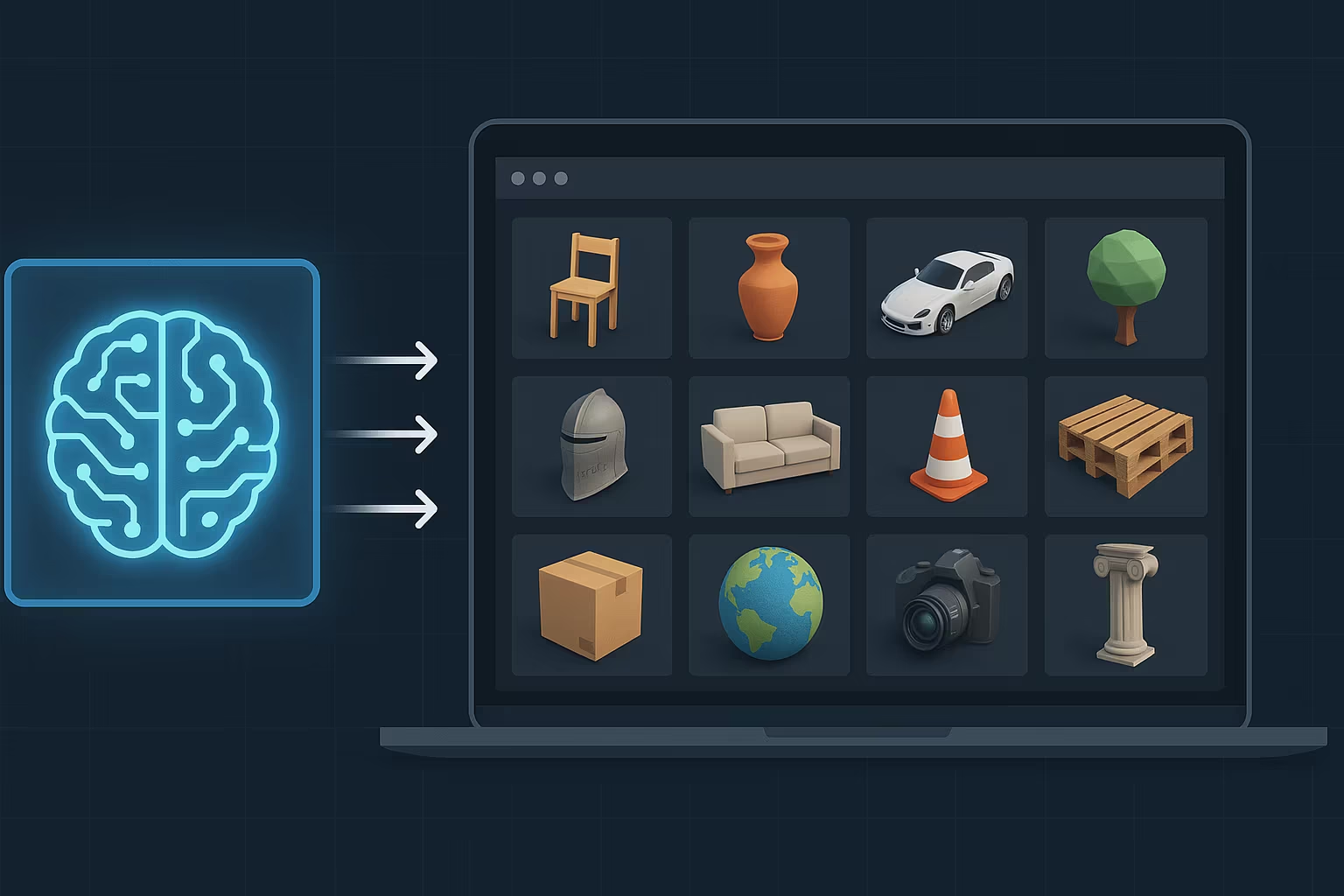
AI tools are transforming how 3D assets are created, customized, and managed, helping game developers and designers save time and maintain consistent quality. Here's how they make scaling 3D asset libraries easier:
- Faster Asset Creation: AI generates and customizes 3D models quickly using text prompts or sliders.
- Pre-Optimized Assets: Built-in UV mapping, LODs, and game-ready specifications reduce manual work.
- Consistent Quality: AI ensures uniformity across all assets, meeting design standards every time.
- Better Library Management: Automated tagging and smart search make finding assets faster and easier.
- Seamless Integration: SDKs and APIs enable real-time asset creation directly in your workflow.
Creating 3D Assets with AI Tools
Quick Model Adjustments with AI
AI tools are changing how developers customize 3D assets. With platforms like Sloyd, designers can tweak models quickly using text prompts, sliders, and toggles. These tools allow for real-time adjustments, making it easy to test ideas and fine-tune details.
As Mike M., CEO of an animation studio, explains:
"Easy creation, and it allows integration into other 3D softwares."
The instant feedback from real-time previews lets teams explore different options without sacrificing quality. This approach saves hours that would otherwise go into manual edits and opens up more opportunities for customization through procedural templates.
Using Procedural Templates
Procedural templates take customization a step further by providing pre-set parameters that control everything from basic shapes to intricate details. These templates make it easy to create structured, consistent designs.
Some of the main advantages include:
- Style Consistency: Ensures all assets align with design standards.
- Faster Adjustments: Modify multiple settings in seconds.
- Quality Assurance: Meets technical specifications every time.
- Efficiency: Generate countless variations from a single template.
Procedural generation allows teams to create a huge variety of assets while still keeping control over the final output. This balance of efficiency and creativity is ideal for meeting technical needs without limiting artistic freedom.
Ready-to-Use 3D Assets
Once created, these assets are ready to integrate into projects immediately. This speeds up workflows and helps teams scale their asset libraries. Each asset comes with built-in features to simplify its use in projects, such as:
| Feature | Benefit |
|---|---|
| Automatic UV mapping | Removes the need for manual UV unwrapping |
| Built-in LOD system | Ensures smooth performance across platforms |
| Separated parts | Makes texturing and animation easier |
| IP-safe content | Guarantees no copyright issues for commercial use |
These game-ready assets eliminate the need for extra optimization, which is a huge time-saver for teams working with tight deadlines or limited budgets. Whether you're building games, designing products, or creating 3D prints, these assets provide a reliable starting point for expanding your library while keeping production standards high.
AI-Based Library Organization
Automatic Asset Tagging
AI tagging systems simplify metadata creation by analyzing, categorizing, and tagging assets automatically. These tools can identify a range of asset attributes with impressive precision:
| Attribute Type | What AI Detects |
|---|---|
| Geometry | Size, shape, and complexity |
| Technical Details | Polygon count, UV mapping status |
| Visual Elements | Style, color schemes, and textures |
| Usage Context | Environment types, game genres |
By automating this process, libraries maintain consistent categorization, reduce human error, and remain manageable even as collections grow. This consistency ensures assets are easier to find and use.
Finding Assets Quickly
AI-powered smart search eliminates the need for manual browsing, allowing users to locate assets using natural language queries. Platforms like Sloyd offer this functionality, enabling users to search its large collection of procedural templates with straightforward text prompts.
Key features enhancing the search experience include:
| Feature | Impact |
|---|---|
| Natural Language Search | Locate assets with everyday descriptions |
| Smart Filtering | Suggests relevant categories for your project |
| Real-time Preview | Instantly view matching assets |
| Context Awareness | Tailors results to project-specific needs |
To maximize efficiency, consider these best practices:
- Consistent Tagging: Ensure every new asset is fully tagged.
- Search Term Optimization: Use industry-standard terms in metadata.
- Regular Updates: Keep the AI system aligned with new asset types.
- Workflow Integration: Link search tools directly to creation software.
With automated tagging and smart search working together, managing and customizing assets becomes faster and more intuitive.
sbb-itb-d35aaa6
How to organize 1000+ 3D Models in 1 minute with LVNEX AI?
Adding AI Tools to Current Workflows
Integrating AI tools into your workflow can make asset creation and organization faster and more efficient.
SDK and API Integration
Adding AI-powered 3D asset generation to your workflow requires careful use of SDKs and APIs. Sloyd's SDK allows for real-time asset creation with full control over both procedural and AI-driven methods. This makes it perfect for custom applications that need assets on demand.
Here’s a breakdown of integration options:
| Integration Type | Benefits | Best Use Cases |
|---|---|---|
| Full SDK Integration | Complete control | Unity, dynamic games, synthetic data |
| API Implementation | Instant asset generation | Web apps, live games, 3D tools |
| Hybrid Solutions | Flexible asset creation | Cross-platform environments |
In-Engine Asset Creation
For a seamless creative process, real-time in-engine asset generation is a game-changer. It keeps your workflow uninterrupted while offering advanced AI-driven features.
Key considerations for in-engine asset generation:
| Feature | Benefit | Impact |
|---|---|---|
| Real-time Generation | Instant asset creation | Shorter iteration cycles |
| Parametric Templates | Customizable base models | Consistent quality |
| Optimized Output | Game-ready assets | No extra optimization required |
Practical Tips for a Smooth Transition
To integrate AI tools into your workflow effectively, follow these steps:
1. Focus on Core Assets
Start by automating the creation of assets you use most often. This helps establish a foundation for improving your workflow.
2. Pinpoint Integration Opportunities
Identify specific areas in your process where AI tools can save the most time, especially where manual asset creation slows things down.
3. Fine-Tune Asset Parameters
Adjust AI tools to meet your project’s needs:
| Parameter | Focus Area | Impact on Workflow |
|---|---|---|
| UV Mapping | Automatic unwrapping | Less time spent on manual texturing |
| LOD Control | Performance optimization | Easier asset management |
| Format Support | Compatibility | Smooth integration into pipelines |
The goal is to balance flexibility with consistent quality. Tools like Sloyd's SDK and API can dramatically cut down on asset creation time while maintaining creative control and high standards.
Conclusion: Next Steps for 3D Libraries
AI tools have reshaped how 3D assets are created and managed. Here's a quick breakdown of their current impact and what’s on the horizon.
Main Points
AI tools are changing the game in three major areas:
| Area | Current Impact | Future Potential |
|---|---|---|
| Asset Creation | Quick customization from templates | Broader style options and full automation |
| Library Management | Automated tagging and organization | Smarter suggestions and asset variations |
| Workflow Integration | Real-time generation in software tools | Deeper integration with platforms |
Game developers and designers are now able to create and manage assets more efficiently, saving time and effort.
Future Developments
The next wave of innovation in 3D asset creation and management promises even more transformative changes.
Instant Asset Generation
The future is all about generating ready-to-use assets instantly. Mike M., CEO of an animation studio, highlights this trend:
"Easy creation, and it allows integration into other 3D softwares"
This will make asset creation a seamless part of the creative process.
More Intuitive Customization
AI tools are becoming smarter and easier to use, offering creators more control over designs and interfaces.
Evolving Workflows
| Feature | Current State | Expected Evolution |
|---|---|---|
| API Integration | Basic platform connections | Broader compatibility across tools |
| Asset Optimization | Automated UV mapping and LODs | Real-time, advanced optimization |
| Style Control | Limited template-based options | Greater freedom for style adjustments |
These advancements will make workflows smoother while improving the quality of assets. By leaning on AI for repetitive tasks, creators can focus more on the artistic aspects of their projects.