Procedural 3D Modeling for Beginners: Geometry Nodes, Tools & Workflows
Discover procedural 3D asset generation with this beginner's guide. Learn techniques, tools, and workflows to create scalable game-ready models faster.

Procedural 3D asset generation is like creating a recipe for 3D models - you set the rules, and the software does the work. This method uses algorithms to automate repetitive tasks, saving time and effort while producing flexible, scalable designs. It's perfect for beginners looking to create natural landscapes, modular buildings, or game-ready assets without starting from scratch.
Key Takeaways:
Quick Comparison of Tools:
| Tool | Best For | Cost | Features |
|---|---|---|---|
| Blender | Beginners | Free | Node-based system, strong support |
| Sloyd | Fast asset creation | Free (limited) | AI-powered, instant results |
| Houdini | Advanced users | Paid license | Complex environments, effects |
Start small: experiment with simple terrains in Blender or generate quick assets in Sloyd. Procedural generation is a powerful skill that can streamline your modeling workflow and open new creative possibilities.
Geometry Nodes For Absolute Beginners
Tools and Software for Procedural Asset Creation
Popular Tools for Procedural Modeling
The world of procedural 3D modeling offers a range of tools suited to different skill levels. Houdini is a top choice for professionals, recognized for its advanced features and use in film and game production. While it has a steeper learning curve, it excels at creating complex environments and effects.
For beginners, Blender is a great starting point. It’s free, has strong community support, and includes the Geometry Nodes system. This system uses a visual, node-based interface, making it easier for newcomers to experiment with procedural modeling.
Sloyd brings AI-powered procedural modeling into the mix. It allows users to quickly design game-ready 3D assets by using hundreds of pre-made procedural templates. You can use sliders to customize or simply typing simple descriptions like "wooden chair" or "medieval sword." Unlike traditional tools, it focuses on speed and ease of use, generating assets instantly.
Choosing the Right Tool for Your Needs
When deciding on a procedural modeling tool, think about factors like learning curve, cost, and features. Here’s a quick comparison:
| Factor | Beginner-Friendly Option | Advanced Option |
|---|---|---|
| Learning Curve | Blender, Sloyd | Houdini |
| Cost | Blender (Free), Sloyd (Free tier) | Houdini (Professional license) |
| Features | Basic modeling, Visual interfaces | Advanced systems, Complex effects |
Sloyd’s AI-driven approach makes it especially appealing for those just starting out.
How Sloyd Helps Beginners Create 3D Models
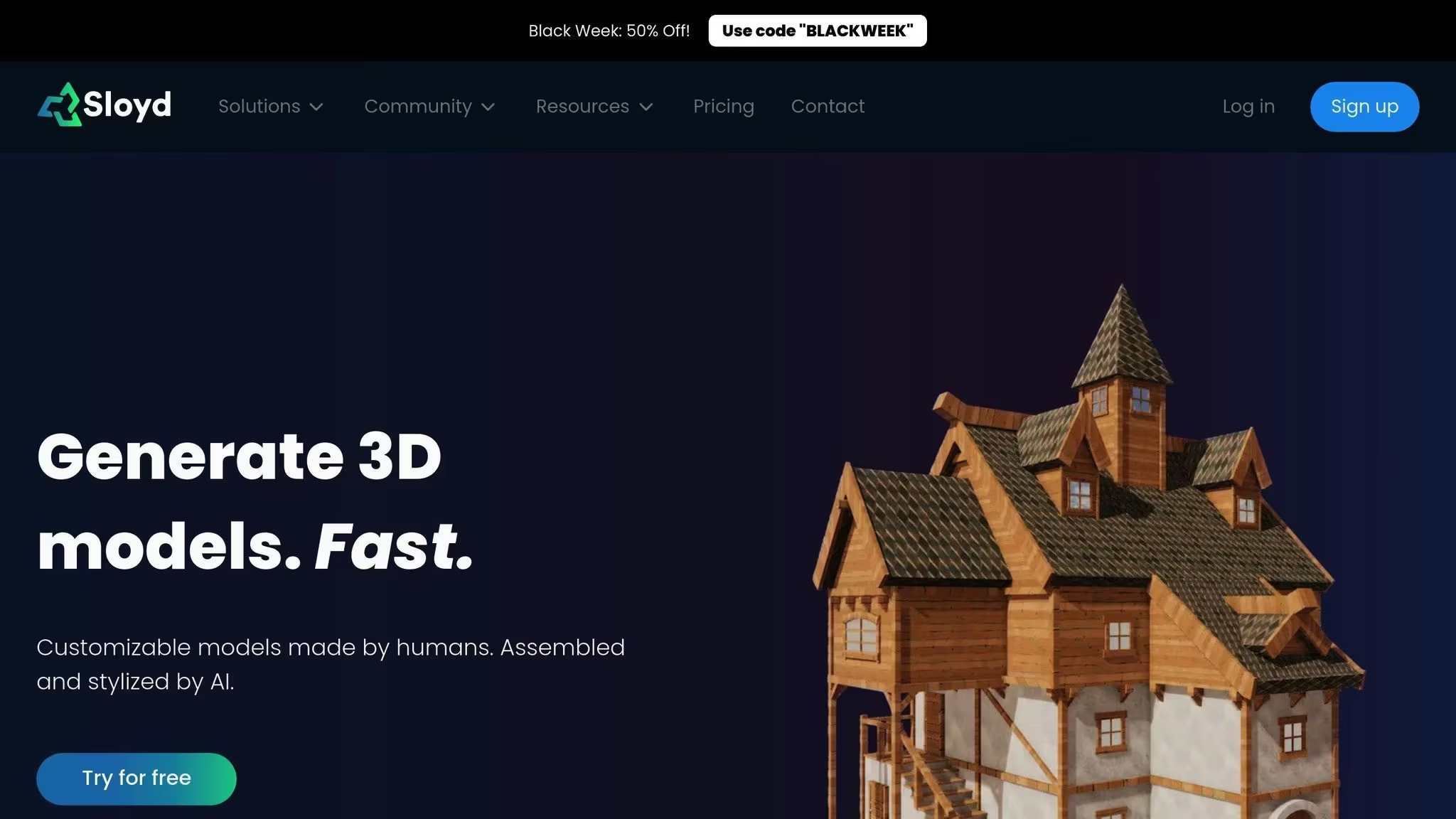
Sloyd simplifies procedural modeling with its AI-powered platform, making it easy for beginners to dive in. Key features include:
For game developers, Sloyd’s SDK and API provide tools to automate asset generation workflows. As noted in industry documentation:
"Procedural modeling is a powerful technique in computer graphics that uses algorithms and predefined rules to automatically generate 3D models and textures".
Key Concepts in Procedural 3D Asset Generation
How Rule-Based and Parametric Design Works
Rule-based and parametric design form the backbone of procedural 3D asset generation. Think of it as programming your computer with a set of instructions to automatically create designs that can be adjusted in real-time. For example, when designing a building, you can establish rules that place windows every 3 meters vertically while letting you tweak parameters like height, material properties, or structural details. Key parameters include:
These parameters can be adjusted instantly, giving you flexibility to transform your models. To make your designs more lifelike, you can add controlled randomness using noise functions.
Using Noise Functions and Fractal Geometry
Noise functions, especially Perlin noise, are crucial for adding realistic variations to procedural models. This technique is widely used to create terrains and textures that feel natural. For instance, many Unity developers rely on Perlin noise for dynamic terrain systems, generating landscapes with hills, valleys, and other natural features.
Fractal geometry builds complexity by repeating patterns across different scales. This method is particularly useful for creating:
With these tools, you can add depth and complexity to your models, making them visually rich and detailed.
Basics of Procedural Mesh Generation
Procedural mesh generation automates the creation of 3D models by defining vertices, edges, and triangles. This process involves operations that layer upon each other to form intricate shapes. Some commonly used operations include:
For organic shapes like trees or plants, L-systems are a go-to method. These systems apply simple rules repeatedly to generate complex, natural-looking models. This approach is especially helpful for beginners, as it allows them to create detailed models without manually designing every aspect.
Examples and Workflows for Beginners
Making Simple Procedural Models in Blender
Getting started with procedural modeling in Blender involves mastering its node-based system. Here's a quick guide to create a basic procedural terrain:
Begin by adding a plane mesh. Apply a Geometry Nodes modifier, then connect a Noise Texture node to a Displacement node. This combination forms the foundation of your procedural terrain.
To control the terrain's height, link the noise output to a Math node set to "Multiply." Noise textures add natural variations, a key element for realistic terrains. You can tweak the noise scale and detail settings to achieve the desired look.
Using Sloyd to Quickly Generate 3D Models
Sloyd is a fantastic tool for beginners, offering an easy way to create customizable 3D assets. Its human made parts and templates, coupled with AI-supported customization can produce models ready for use in games in no time.
| Feature | Benefit | Use Case |
|---|---|---|
| Text Prompts | Quick model creation | Design basic props or furniture |
| Slider and toggle control | Easy customization | Quick, unique models in your art style |
| Real-time Generation | Instant results | Speed up prototyping |
| Optimized Output | Game-ready assets | Seamless integration into game engines |
Once you've generated your assets, the next step involves preparing them for use in game engines.
Adding Procedural Assets to Game Engines
After creating procedural assets, the challenge lies in integrating them into game engines effectively. Here are some key steps to follow:
"The procedural generation in games like Minecraft demonstrates how simple rules can create endless possibilities while maintaining performance", explains a game development expert.
Tips and Troubleshooting for Beginners
Improving Model Performance
To boost performance, focus on managing polygon counts and using mesh simplification tools. These help maintain the visual appeal of your assets while keeping complexity in check. Techniques like efficient UV unwrapping and Level of Detail (LOD) systems are also crucial. They optimize texture memory and adjust quality based on viewing distance, ensuring a smoother experience.
| Optimization Area | Target Metric | Impact on Performance |
|---|---|---|
| Polygon Count | Under 10k for props | Speeds up rendering |
| UV Layout | 0-1 UV space usage | Reduces texture memory usage |
| LOD Levels | 3-4 detail variations | Balances quality and efficiency |
While improving performance is essential, beginners should also be aware of common errors that can hinder progress.
Avoiding Common Beginner Mistakes
Start with simple rules and gradually add complexity as you gain experience. For example, stacking too many noise layers with high-frequency details often leads to chaotic results and makes your work harder to manage. Overloading these layers can also slow down your workflow and produce unpredictable outcomes.
Pay close attention to parameter settings. Stick to default values at first, then make small, deliberate adjustments while observing their effects. Keep a record of your changes - this makes it easier to identify what works and what doesn’t.
Luckily, AI tools can help simplify these challenges and make procedural modeling more accessible.
Using AI Tools to Simplify the Process
AI tools have changed the way procedural assets are created. Sloyd is a great example, offering an easy-to-use interface and pre-built templates that lower the learning curve significantly. Its real-time generation features let you quickly experiment with different settings. You can export these assets for further refinement in tools like Blender or import them directly into game engines.
When working with AI tools, focus on:
These approaches can help you streamline your workflow and avoid unnecessary complications.
Summary and Next Steps
What You Learned from This Guide
In this guide, you’ve explored how procedural 3D asset generation can improve your workflow. You’ve gained an understanding of rule-based generation, parametric design, and how tools like Blender and Houdini can simplify complex modeling tasks. Procedural generation stands out for its ability to create flexible and resource-conscious 3D assets.
We’ve covered key areas, from basic mesh generation to optimizing performance. You’ve also seen how AI tools like Sloyd can speed up asset creation and learned about the importance of setting parameters correctly and fine-tuning optimization techniques.
| Skill Area | What You’ve Learned | Practical Application |
|---|---|---|
| Key Skills | Rule-based design, parametric modeling, noise functions, fractal geometry | Creating organic shapes and modular assets |
| Optimization | Mesh complexity, LOD systems | Enhancing performance |
These techniques go beyond gaming, finding use in fields like architectural visualization, film production, and industrial design. For inspiration, look at examples like No Man's Sky, which showcases how procedural methods can create expansive, diverse environments at scale.
With these fundamentals in place, you’re ready to expand your skills further.
How to Keep Learning Procedural Generation
To advance your expertise, engage with professional communities and apply what you’ve learned to hands-on projects.
Connect with Professional Communities
Apply Procedural Techniques
Start with small, focused projects that address specific challenges in your workflow. For example, try creating basic architectural elements or natural environments. These types of projects are excellent for practicing procedural methods while building your portfolio. As you gain confidence, experiment with blending procedural and traditional modeling techniques to achieve more complex results.